Try the sheet here, on the example
The sheet is open below with sample numbers. Change any white cell and watch the results update, or press the blank-copy button to type your own data from scratch. Nothing you type leaves your browser.
Example from the sheet
| الفئة | الحد الشهري | صرفت | الباقي | النسبة |
|---|---|---|---|---|
| أكل وشرب | 2,500.00 | 1,015.00 | 1,485.00 | 41% |
| مواصلات | 800.00 | 260.00 | 540.00 | 33% |
| موبايل وإنترنت | 300.00 | 250.00 | 50.00 | 83% |
| قهوة وخروج | 600.00 | 470.00 | 130.00 | 78% |
| ملابس | 500.00 | 450.00 | 50.00 | 90% |
| صحة | 300.00 | 180.00 | 120.00 | 60% |
| ترفيه | 400.00 | 220.00 | 180.00 | 55% |
| أخرى | 300.00 | 120.00 | 180.00 | 40% |
Example from the “الحدود” tab (Arabic), with the numbers and formulas that are in the file.
What is inside
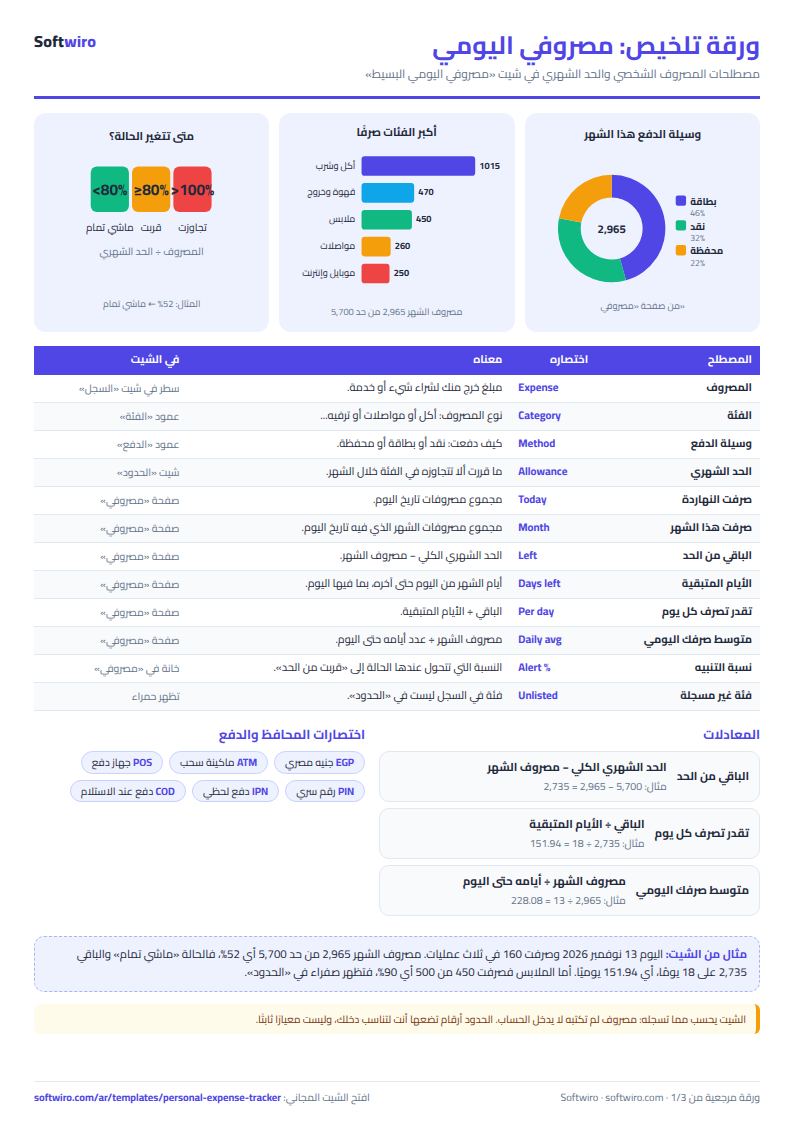
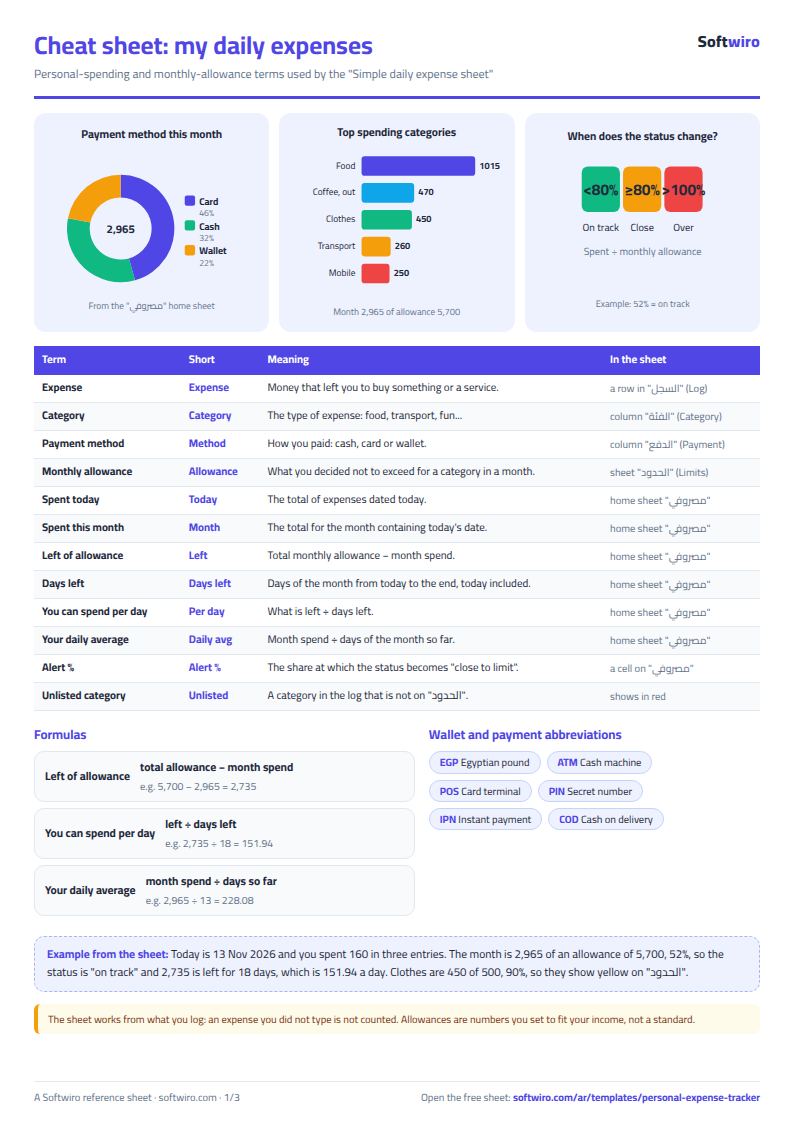
- "مصروفي" (My Spending): The main phone page: today's date, spent today, spent this month, the limit, what is left, days remaining and what you can spend per day, the status (on track, close to the limit or over the limit), your top three categories, payment methods and the last 7 days, with three charts.
- "السجل" (Log): One line per expense: date, amount, category, payment method (cash, card or wallet) and a note, with drop-down lists for category and method. It holds 2,000 expenses, and a category shows in red if it is not in the limits list.
- "الحدود" (Limits): Your categories and the monthly limit for each (up to 15 categories). Beside each: what you spent this month, what is left, the percentage and its rank, plus the total limits, spending and remainder.
The file opens on a start tab (“ابدأ هنا”, Start here) that explains how to use it.
What makes it different
The idea is to see at a glance "how much can I spend today?" instead of working it out in your head. The sheet divides what is left of your monthly limit by the days remaining, so you know whether you are on plan before the month ends. It does not ask for your income, goals or a family budget.
How to use it
- In the "مصروفي" (My Spending) sheet, enter today's date (or =TODAY() so it updates itself) and the alert percentage you want.
- In the "الحدود" (Limits) sheet, enter your spending categories (food, transport and so on) and the monthly limit for each.
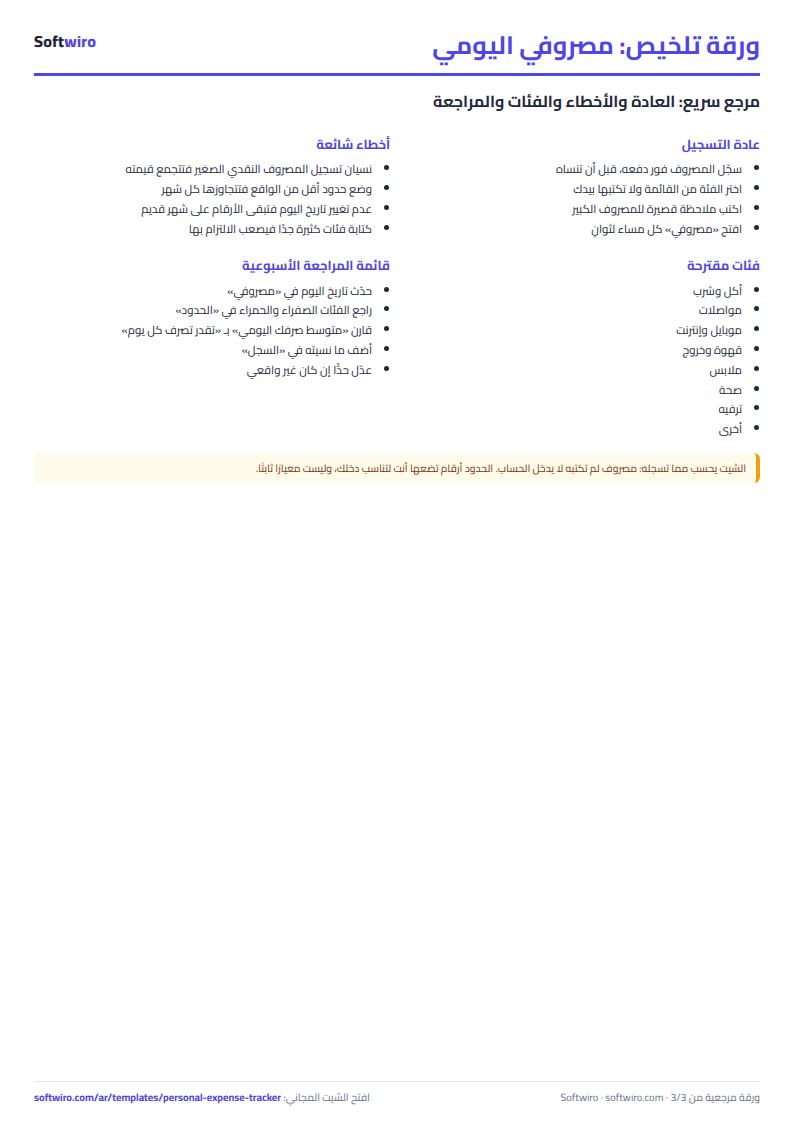
- Each time you spend something, open the "السجل" (Log) sheet and write one line: date and amount, choose the category and payment method from the lists, and add a note if you like.
- Go back to the "مصروفي" (My Spending) sheet to see how much you spent today, how much is left of your limit and how much you can spend each day until the end of the month.
- At the start of each new month, just change today's date. The figures start over and the old months stay in the log.
Before you start:
- The sheet is designed for the Google Sheets app on a phone: upload it to Google Drive and open it from the app. The columns are few and narrow and the font is large so it is easy to type with your finger.
- The month under review is the month that contains "today's date". Daily allowance = what is left of the limit / days remaining in the month including today. If what is left is zero or less, it shows zero.
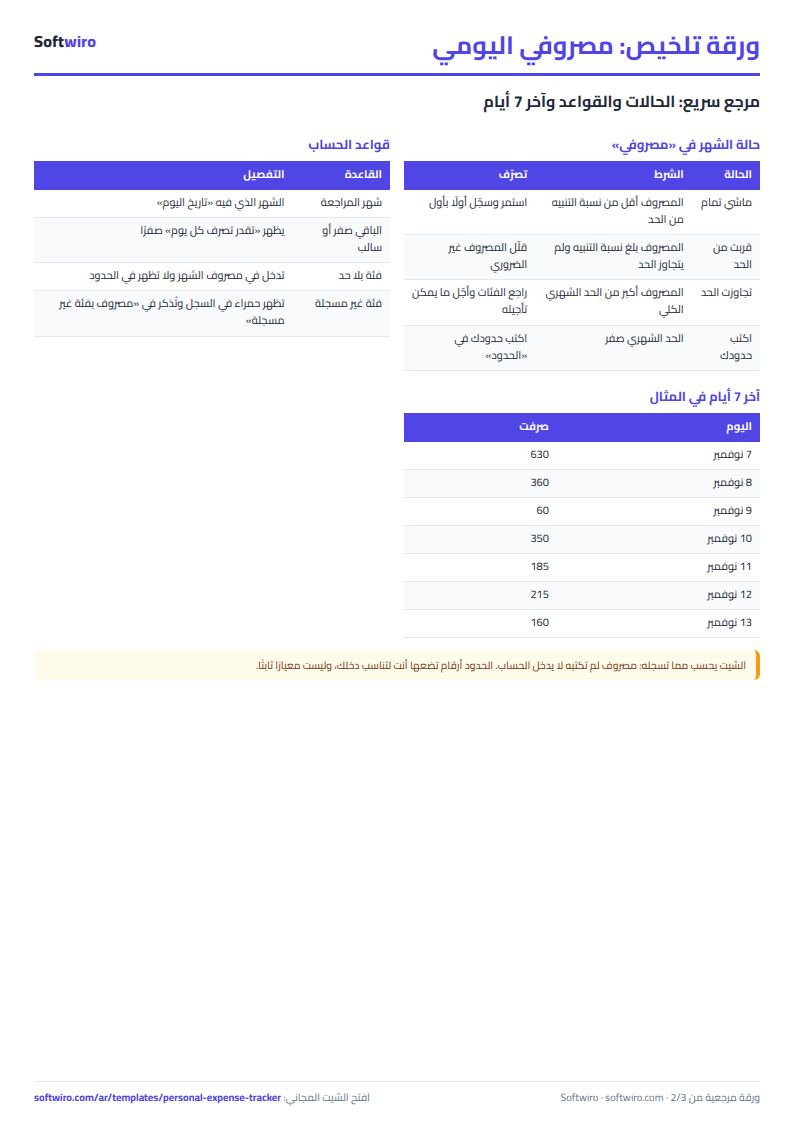
- The alert percentage (for example 80%) changes the status to "قربت من الحد" (Close to the limit) once spending reaches that percentage of the total monthly limit, and to "تجاوزت الحد" (Over the limit) if it goes beyond it.
- A category written in the log that differs from those in the "الحدود" (Limits) sheet shows in red. Its amount is counted in the month's spending and appears under "مصروف بفئة غير مسجلة" (Spending in an unregistered category).
- The log holds 2,000 expenses and 15 categories. This sheet is for your own daily spending. For a whole-household budget with income and savings goals, use the household budget and savings sheet.
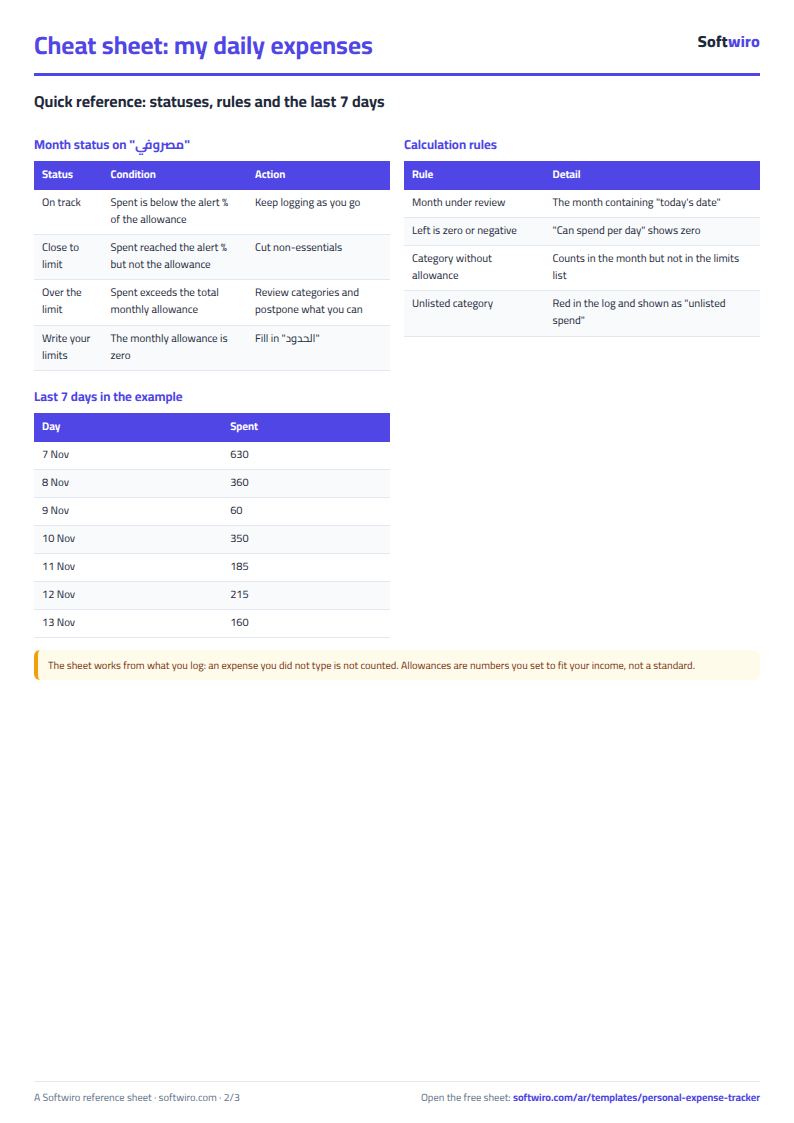
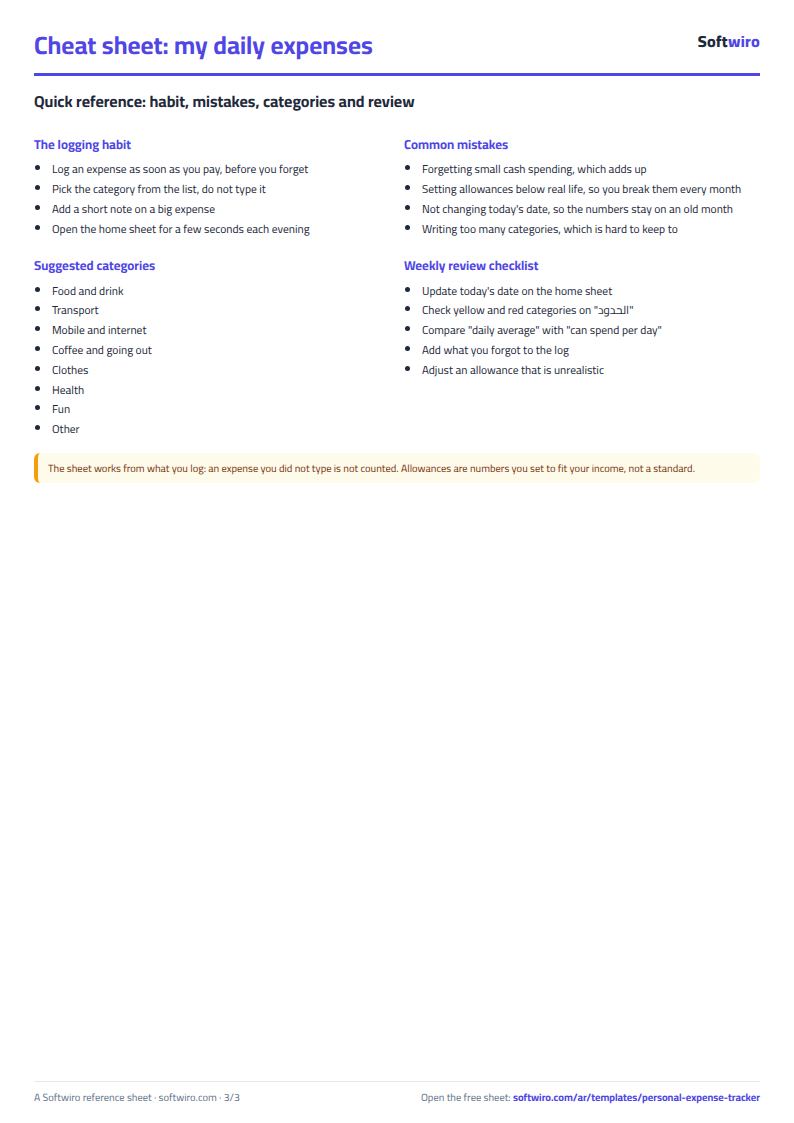
Free cheat sheet for this field
Terms, abbreviations, tables and diagrams over several pages, in Arabic and English. Download it as a PDF or images, including a phone-size version.
Still running this on Excel?
This sheet suits a start and a limited amount of data. If your way of working grows, or you need more than one person working on it at the same time, Softwiro can build you a program that fits the way you work.
| In this sheet | In Custom Software from Softwiro |
|---|---|
| One file that one person edits at a time, and copies reach you on WhatsApp. | A program with a login for each user and permissions you define, and everyone sees the same data. |
| You type everything and check the numbers by hand. | We design the screens around your work steps, so each person records only what concerns them. |
| Columns and formulas are fixed as the sheet was designed. | We build what you need: reports, alerts and screens your way. |
| Backups and security are your own responsibility. | The program runs on a secured server with regular backups. |
Frequently asked questions
How do I record an expense from my phone?
Open the file in the Google Sheets app and go to the "السجل" (Log) sheet. On the first empty line, enter the date and amount, then tap the category cell and choose from the list, and choose the payment method.
How do I know how much to spend per day until the end of the month?
The sheet divides what is left of the total monthly limit by the days remaining in the month, including today. It appears on the "مصروفي" (My Spending) page in the "تقدر تصرف كل يوم" (You can spend per day) cell.
How do I start a new month?
Change today's date on the "مصروفي" (My Spending) page (or enter =TODAY() so it updates itself). The figures start from the first of the new month and the previous months stay in the log.
How is it different from the household budget and savings sheet?
This sheet is for quickly logging your own daily spending with a limit for each category. The household budget and savings sheet is for a family: income, fixed and variable expenses and savings goals.
Is the template free?
Yes, with no sign-up and no email address. Use it, edit it and share it as you like.
Does it work in Google Sheets and on mobile?
The sheet uses formulas supported by Excel 2016 and later, Google Sheets and LibreOffice, so you can upload it to Google Drive and open it with Google Sheets on a computer or a phone.
What is the difference between the white and the gray cells?
You type in the white cells; the gray cells are calculated automatically. Don't type in a gray cell, or you will erase its formula.
Can I use the sheet from an AI assistant?
Yes. Add our MCP server (URL https://softwiro.com/api/mcp, no key needed) to your assistant and ask it to do the calculation in this template. The numbers come from the sheet's own formulas, and we do not store your data. The steps and a ready-made prompt are in this article: https://softwiro.com/blog/mcp-excel-templates-ai-agent-guide.html
More free templates for: Personal finance
More free templates
- Monthly savings circle (gamaeya) tracker
- Household budget and savings sheet
- Multi-warehouse and branch inventory sheet with transfers
- Periodic stock count and count-difference reconciliation sheet
- Restaurant and cafe inventory and waste sheet
- Spare parts inventory sheet
- Fixed assets register and depreciation sheet
- Barcode, batch and expiry inventory sheet
- Padel and 5-a-side court booking sheet (hourly)
- Wedding and event hall booking sheet