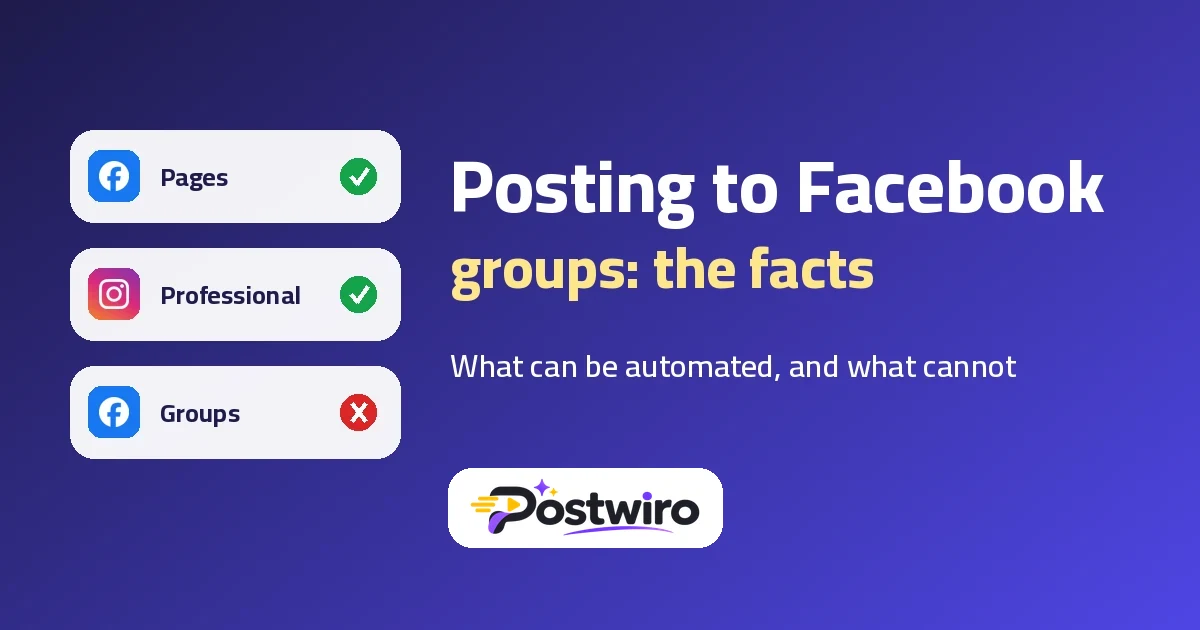
If you are looking for a Facebook groups posting tool, your goal is probably simple: get one post in front of as many interested people as possible without spending two hours a day copying and pasting. That goal is fair, but the fastest route to it is not a program that posts to every group at once. This article explains why no reliable tool does that, what group admins do about it, and how to get comparable reach with safe steps.

Why there is no reliable Facebook groups posting tool
Facebook offers no official API for posting to groups or personal profiles. The official interfaces cover Pages only. So any program that promises to post to all your groups with one click works in unofficial ways, such as automating your browser or saving your login cookies.
Those methods break Facebook's rules and can get your account restricted or banned. What you risk is not one post but your personal account, which your Pages and ads depend on. Even if a tool works today, it can stop tomorrow after any Facebook update.
To be plain about it: Softwiro does not offer a groups posting tool, and we would not advise risking your account with any tool that does.
What group admins do
Every group has its own rules, and its admins protect members from repeated ads. Common practices:
- Removing posts that repeat identical text across groups, or inside the same group.
- Requiring admin approval before any post appears.
- Setting a fixed day or thread for promotion and banning it elsewhere.
- Removing accounts that only post and never take part.
So heavy automated posting works against you even if Facebook never blocks it: posts get deleted and you may be banned from the group. Reach comes from fitting each group's rules, not from volume.
A safe alternative to a program that posts to all groups
The alternative is four simple steps.
1. Prepare one post and vary it per group
Write a base post: a problem your audience knows, a useful idea or tip, and one link. Then adjust the opening line and the closing question for each group. A shop-owners group wants a shop example; a marketers group wants a number or a template. The edit takes two minutes and makes your post read as a contribution, not an ad.
2. Pick a short list of relevant groups
Instead of a hundred groups, choose eight to twelve active ones where your audience really gathers. Read each group's rules before posting, and spend a week commenting and answering before you share any link. If a group's rules forbid links or promotion, respect that and do not post.
3. Share manually and answer comments
Posting by hand to a few groups takes minutes, and it is the approach admins accept. What matters more than posting is replying to every comment and question; that is what keeps the post visible and builds trust.
4. Make your Page the hub
Groups are places to meet people, but you do not own them. Make your Facebook Page the home that your links point back to: what you publish there can be referenced from group posts wherever the rules allow. This is where a tool that posts to your Page automatically helps.
Auto-post to your own Page with Postwiro
Postwiro is a web app that opens in your phone or computer browser; it is not an Android app. An AI agent writes the posts, designs the images and schedules them, publishing through official APIs to Facebook Pages, professional Instagram accounts, Telegram channels and a LinkedIn profile.
In honesty: Postwiro does not publish to Facebook groups or personal profiles, because no official API exists for them. Everything it writes is a draft, and nothing goes out unless you schedule it or press "Publish now". The free plan includes one brand, three channels, 10 AI posts and 30 scheduled publications a month, with no card. Setup is covered in our article on Facebook auto-posting, and if your question covers Pages and groups together, read this article.
A safe weekly routine
- Sunday: write this week's base post and schedule its Page version in Postwiro.
- Monday: re-read your groups' rules and update the short list, adding or dropping a group.
- Tuesday and Wednesday: share by hand in two or three groups with a version adapted to each, where the rules allow.
- Thursday: reply to every comment and message, in the groups and on the Page.
- Friday: record results: which group brought visits or customers, and which did not.
Track where each customer came from
Without a record you will not know which group deserves your time. Keep a simple sheet: group name, date shared, number of comments, and the leads that came from it. You can use the free CRM pipeline sheet, which records each lead's source, stage, value and next follow-up date and shows a summary of lead sources. After a month you will know which three groups to keep, and you can drop the rest.
Your next step
Pick just five groups today, read their rules and write your base post. Then connect your Page to Postwiro so it posts there automatically, and download the tracking sheet to record what the groups bring in.