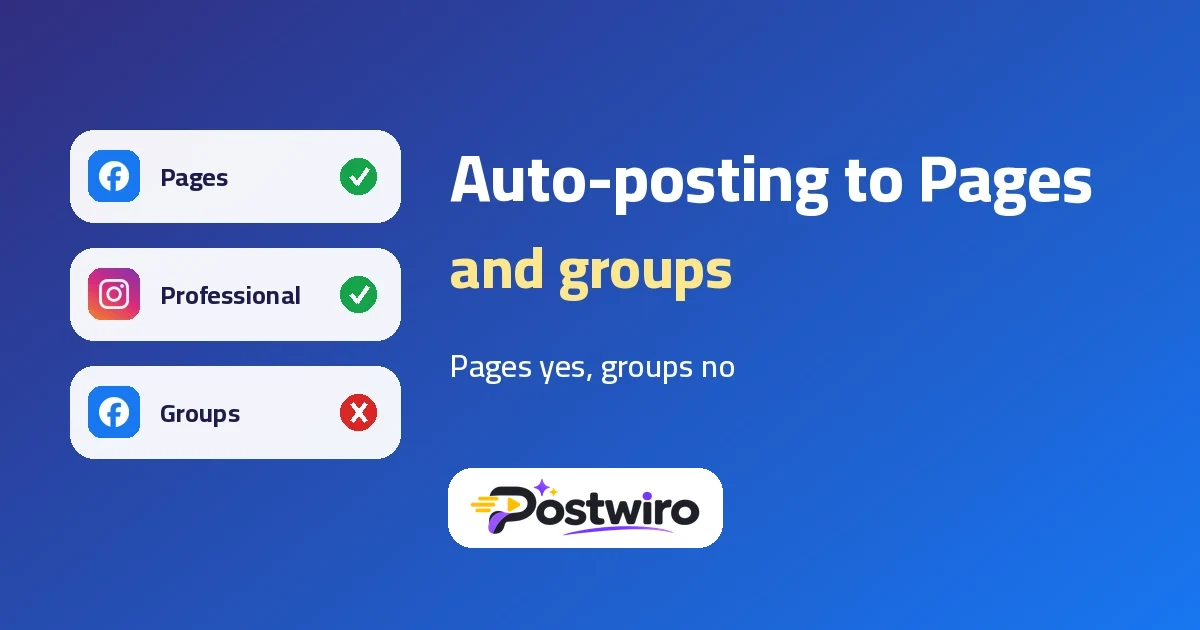
You want to write a post once and have it reach every Page and group you manage without opening each one. That is usually what people mean by "auto post on Facebook to all groups and pages automatically". The honest answer: the Pages half is fully possible, officially and safely. The groups and personal-profile half has no official route, and anyone selling it to you relies on shortcuts that can cost you your account. This article shows the difference, then gives you a working plan.

What can be automated, and what cannot
- Facebook Pages (several of them): yes, through Meta's official interface.
- Professional Instagram accounts: yes, through the official interface.
- Telegram channels: yes.
- A LinkedIn profile: yes, through its official interface.
- Facebook groups: no official way.
- A personal Facebook profile: no official way.
The reason is simple. Permitted automatic publishing goes through official APIs that a platform opens up, and Facebook offers no public API for posting to groups or personal profiles. Tools that claim to do it use unofficial methods such as driving a browser automatically or reusing saved login cookies. Those methods break Facebook's rules and can end with the account restricted or banned. On top of that, group admins set their own rules, and many remove repeated identical posts, so even a successful post may not stay up.
Auto-posting on Facebook to several Pages with Postwiro
Postwiro is a web app that opens in your phone or computer browser (there is no Android app). An AI agent writes the post, designs the image and schedules it to Facebook Pages, professional Instagram accounts, Telegram channels and a LinkedIn profile, all through official APIs. For the full picture, read the article on the Facebook auto-posting program.
Plan limits, so you can pick the right one:
- Free plan: 1 brand, 3 channels, 10 AI posts, 30 scheduled publications and 40 smart replies a month, no card.
- Professional plan: up to 5 brands and 15 channels. You get it by contacting us.
If you have three channels or fewer, the free plan is enough. If you run several clients or projects, the Professional plan is the one that fits.
Setting up several Pages step by step
- Create one brand per project. A brand is the container for one project's channels (a Facebook Page, an Instagram account, a Telegram channel). Keeping brands apart stops a restaurant's post from landing on a clothing shop's Page.
- Connect the channels. Facebook and Instagram are connected once through Meta for Developers with a System User token, which takes about 10 minutes. After that you do not log in each time.
- Build a content calendar. Spread post types across the week: an offer, a tip, a question for followers, a customer story. Do not paste the same text on every channel; adjust the wording for each audience.
- Ask the agent for drafts. Everything it writes stays a draft. Nothing is published until you set a time or press "Publish now", so you review every post before it goes out.
- Space out the schedule. Postwiro enforces at least 30 minutes between two posts on one channel, with a daily cap. In practice, leave more room than that: one or two posts a day per Page beats flooding your followers.
- Watch the results. If a post fails to publish, the app does not retry it on its own, so you never get a duplicate. Open the schedule and reschedule it yourself. If Meta asks to wait, publishing pauses for three hours and then resumes.
You can also run Postwiro from Claude, ChatGPT or Cursor through MCP if you prefer to ask for posts by chat.
How to still feed groups without risking your account
We will not promise a "post to all groups" program. We do not offer one and do not recommend one. But you can still reach group audiences safely:
- Make your Page the source. Publish good content to your Page automatically, so you always have a link worth sharing.
- Share manually in the few groups that fit. Pick five groups or fewer whose members are your real audience, and read each group's rules before posting. If links or promotion are banned, do not post.
- Change the text for each group. Open with a question or tip that matters to that group's members. Do not copy the post word for word.
- Answer the comments. Taking part in the discussion builds more trust than a post left alone. For more on this side, read the article on marketing in Facebook groups.
- Start your own group if your audience likes to talk; there you write the rules.
What to do today
- List every Page, account and channel you run, and mark each one: automatable or not.
- Open a free Postwiro account and connect your two or three most important channels.
- Schedule one week of posts and review them before they go out.
- Pick one or two groups for manual sharing this week.
Official automation saves you hours every week and leaves you time for the part that cannot be automated: real conversation with people.