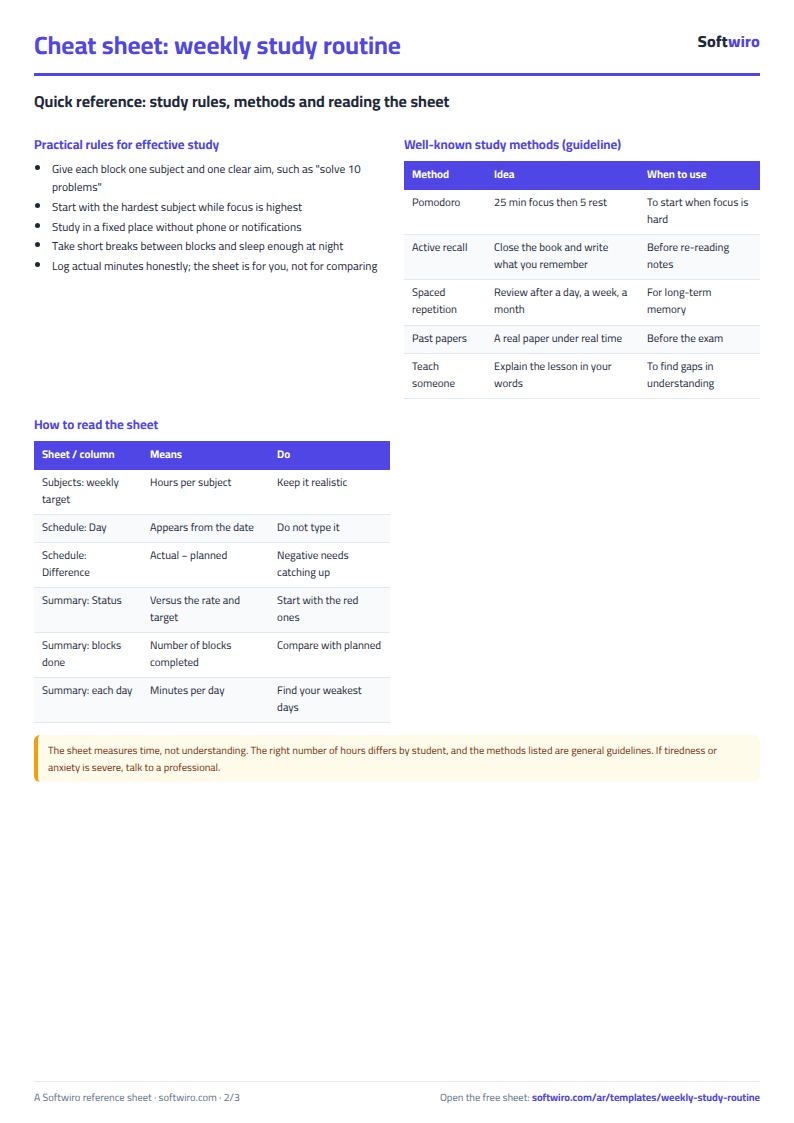
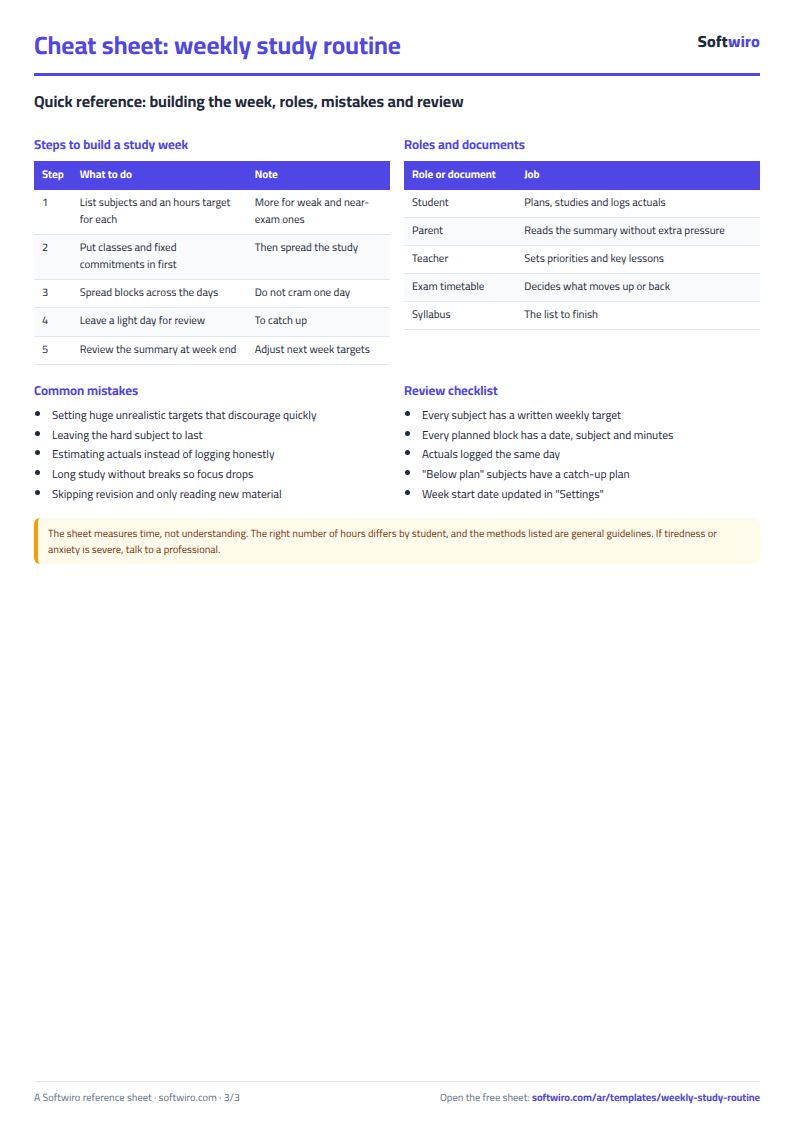
You want to know how many hours you really studied this week, and which subject got less time than you planned. The free weekly study routine sheet does that: you plan each day, log what you studied, and the gap between plan and reality comes out by itself.
The problem
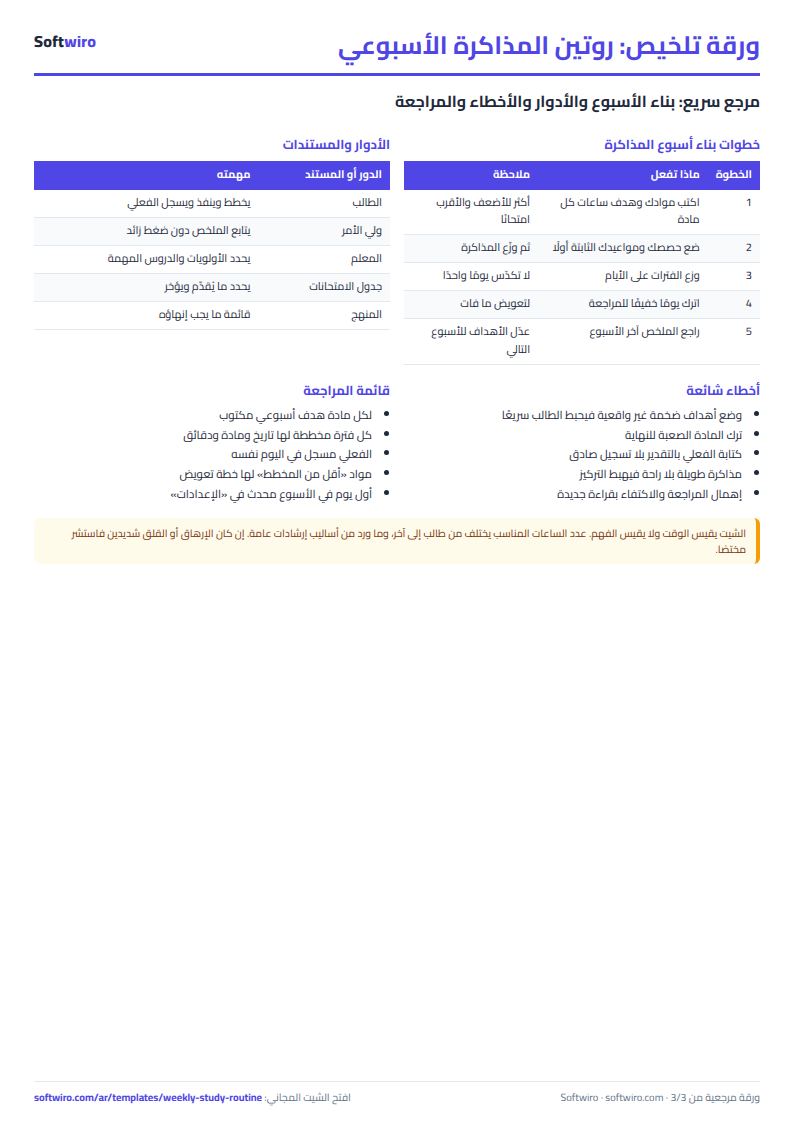
Many students write a nice timetable and then cannot say where the week went. The timetable says "maths, an hour and a half", but nobody logged how much of it happened, so the shortfall shows up days before the exam.
How it works
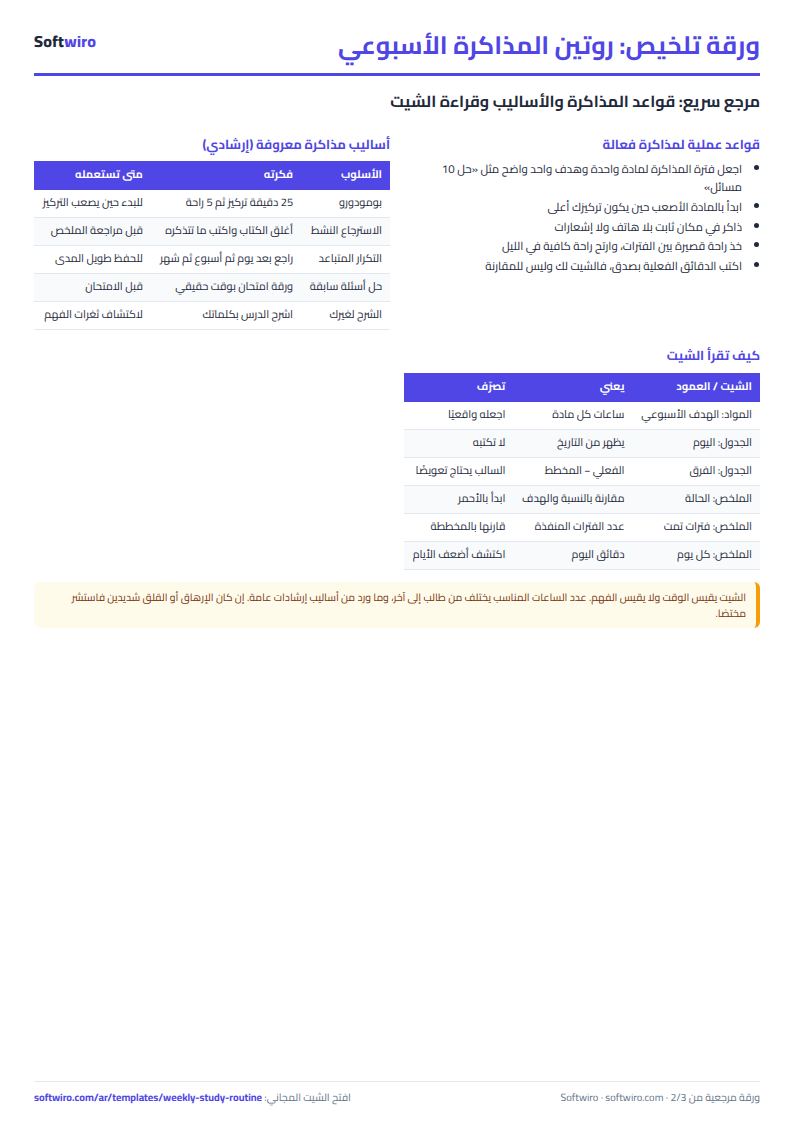
- In Subjects enter each subject and its weekly target in hours.
- In Settings enter the first day of the week and the minimum completion rate, for example 0.8 for 80%.
- In Schedule log each block: date, subject and planned minutes. The weekday appears automatically.
- After studying enter the actual minutes and pick "yes" under done if you finished the block.
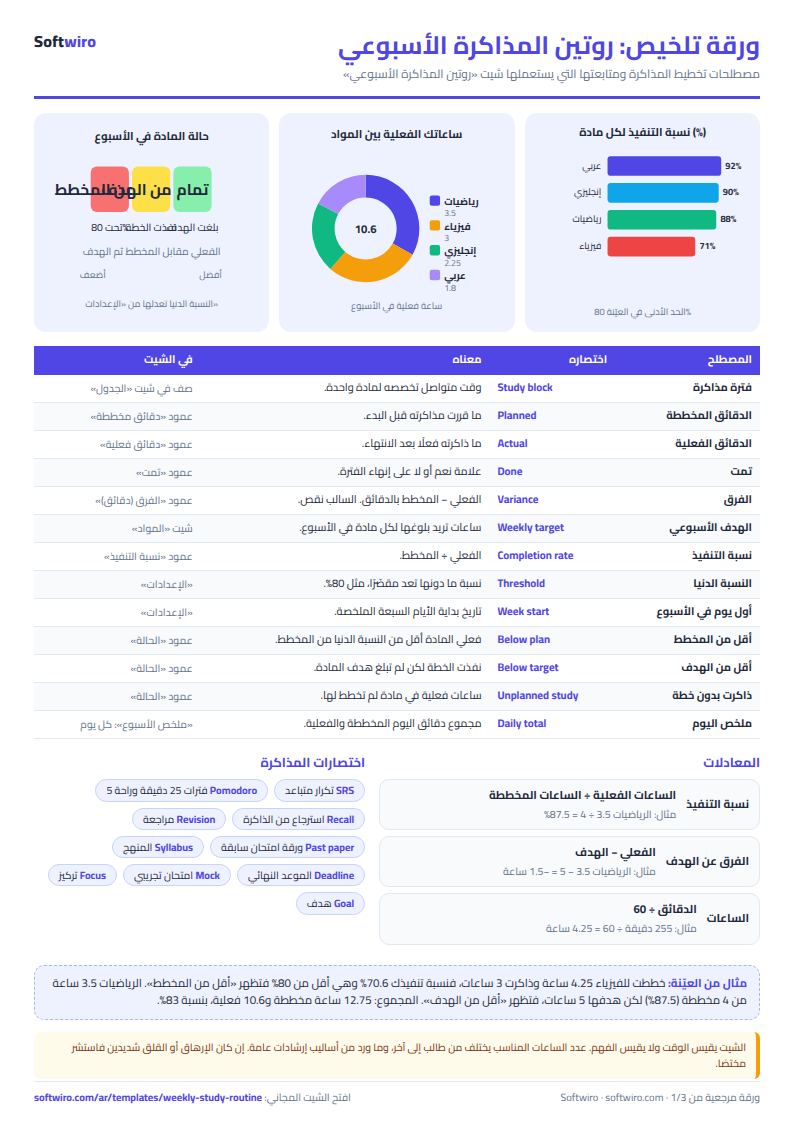
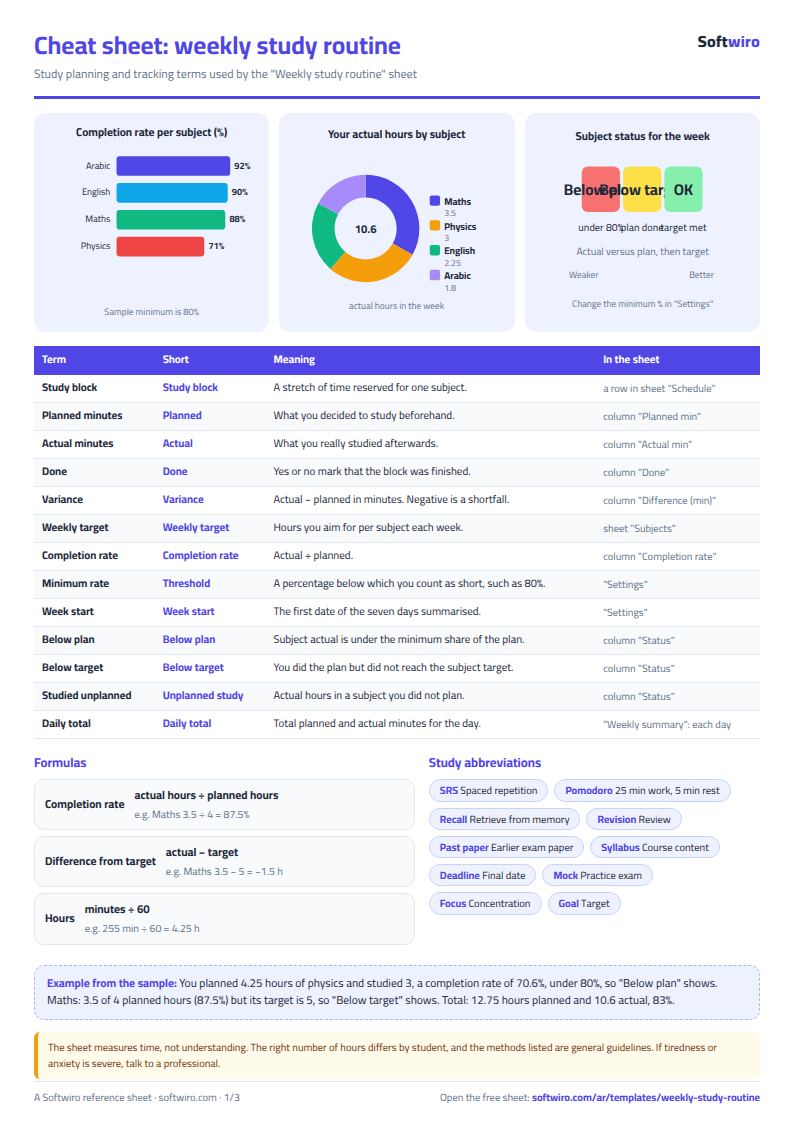
- Weekly summary shows each subject's planned and actual hours, completion rate and gap to target, and each day's planned and actual minutes.
How the numbers are worked out
- Hours = total minutes ÷ 60 for blocks that fall in the seven days from the start date.
- Completion = actual hours ÷ planned hours.
- Gap to target = actual hours − the subject's weekly target.
- Status: "below plan" when actual is under the minimum share of planned, "below target" when you met the plan but not the target, otherwise "on track".
Open the sheet at /ar/templates/weekly-study-routine. It holds 15 subjects and 1,000 study blocks.