You rent padel, five-a-side football or tennis courts by the hour and want three things: never to sell the same hour twice, to have the price worked out by peak hours, and to see which court and which hour are empty so you can fill them. The free padel and five-a-side court booking sheet does it from two things you type: your courts with their prices, and your bookings.
The problem it solves
Hourly booking repeats hundreds of times a month, and each mistake means a crowded court or a wasted hour. A player calls and hears "seven o'clock is free" while it is booked in another notebook. Someone forgets that 19:00 costs more than 10:00 and prices it wrong. Nobody knows the occupancy of the courts or who still owes money. The sheet writes "overlap" in red when two bookings clash, prices each booking from the court's own rules, and shows occupancy.
How it works, step by step
- In الإعدادات (Settings) type the day you want scheduled, any date inside the month you want summarised, and the opening hour (8, say) and closing hour (24 for midnight).
- In الملاعب (Courts) write each court, its type, the normal hourly price, the peak hourly price and the peak start and end hours.
- In العملاء (Customers) write the customer or team and phone so they appear in the pick list.
- In الحجوزات (Bookings) record each booking: date, court, start hour (a number like 18), number of hours, customer, discount, deposit, paid and status.
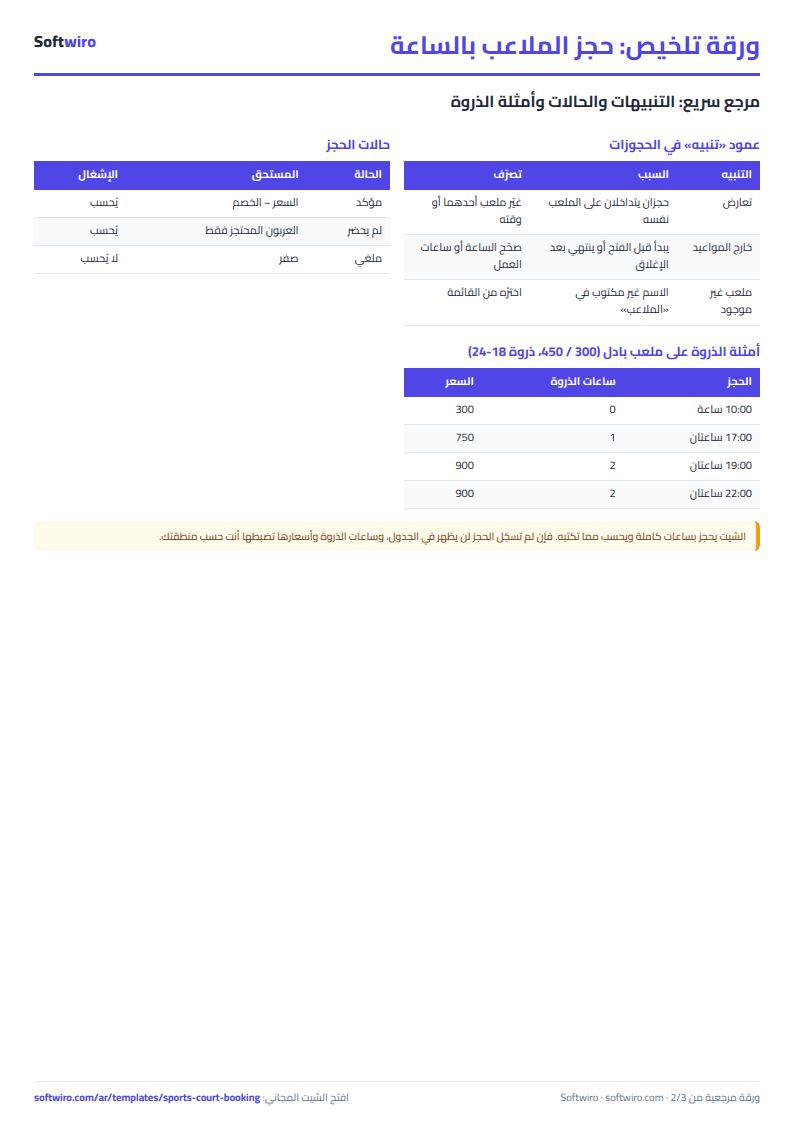
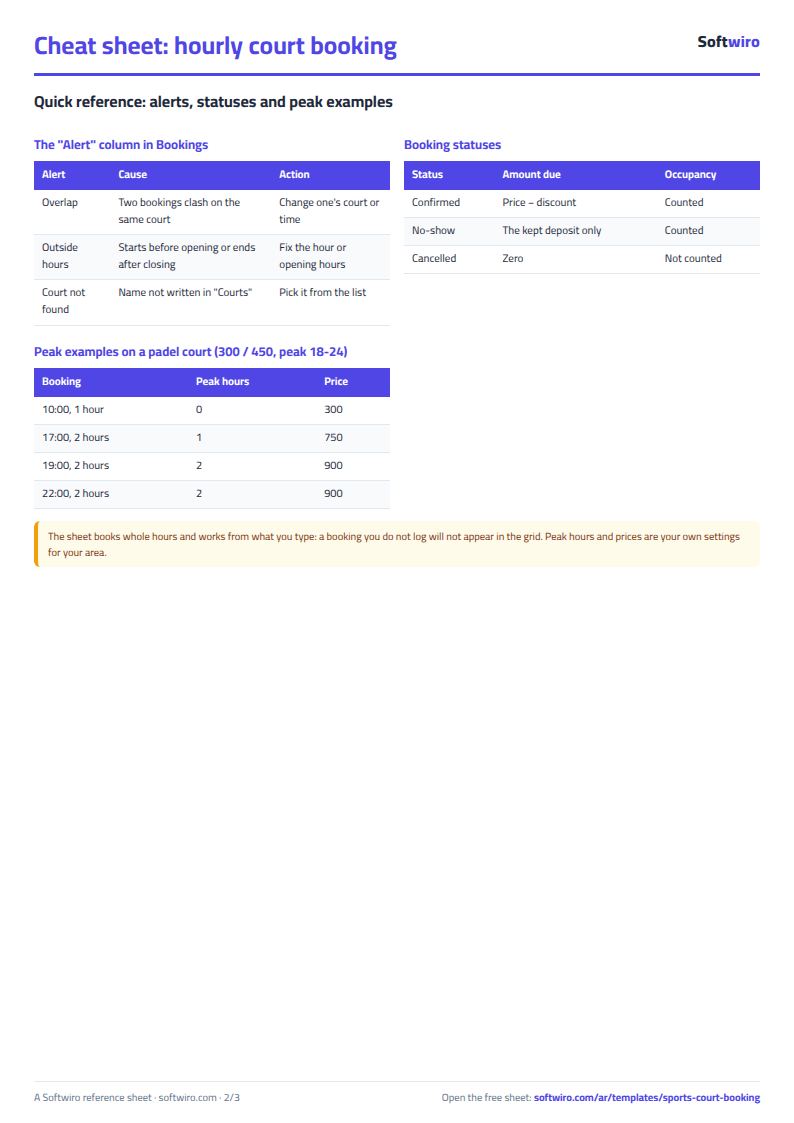
- Read the تنبيه (Alert) column: "overlap" for two clashing bookings, and "outside hours" for a booking that starts before opening or ends after closing.
- Open الجدول اليومي (Daily grid) and الملخص (Summary) to read occupancy and revenue.
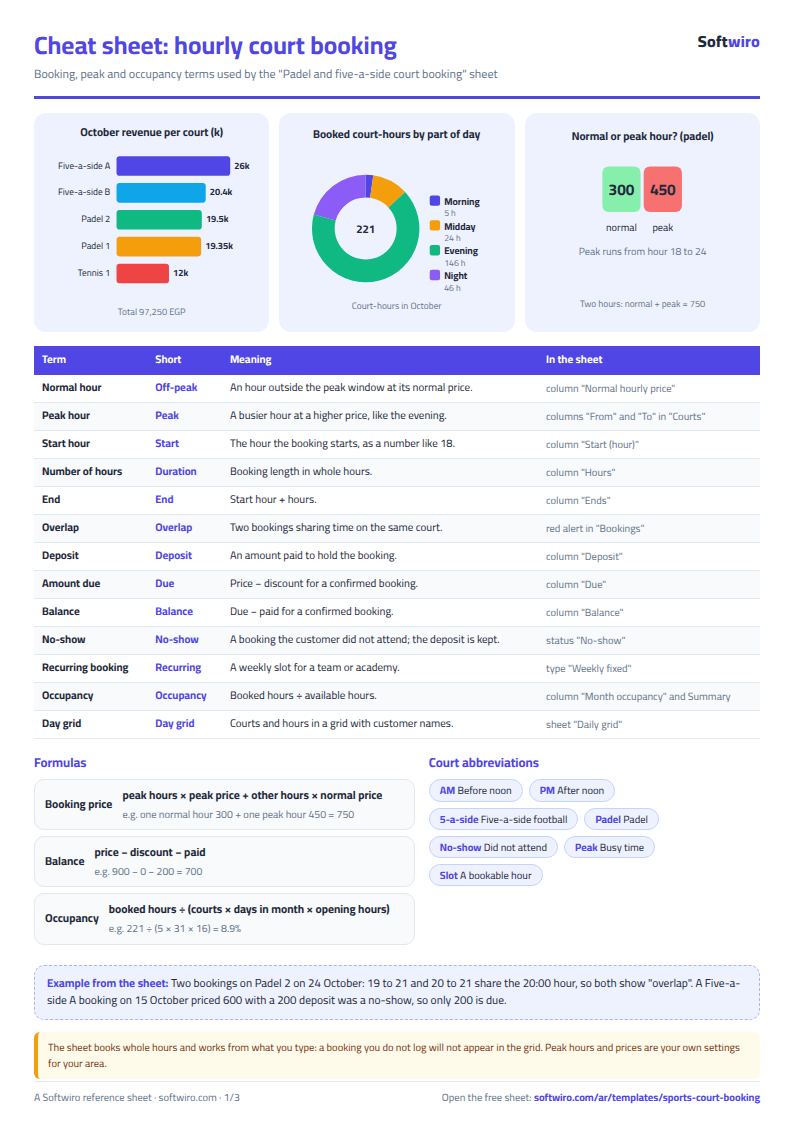
The core rules: price = peak hours × peak price + other hours × normal price, due = price − discount, balance = due − paid, and occupancy = booked hours ÷ (courts × days in the month × daily opening hours).
What each sheet does
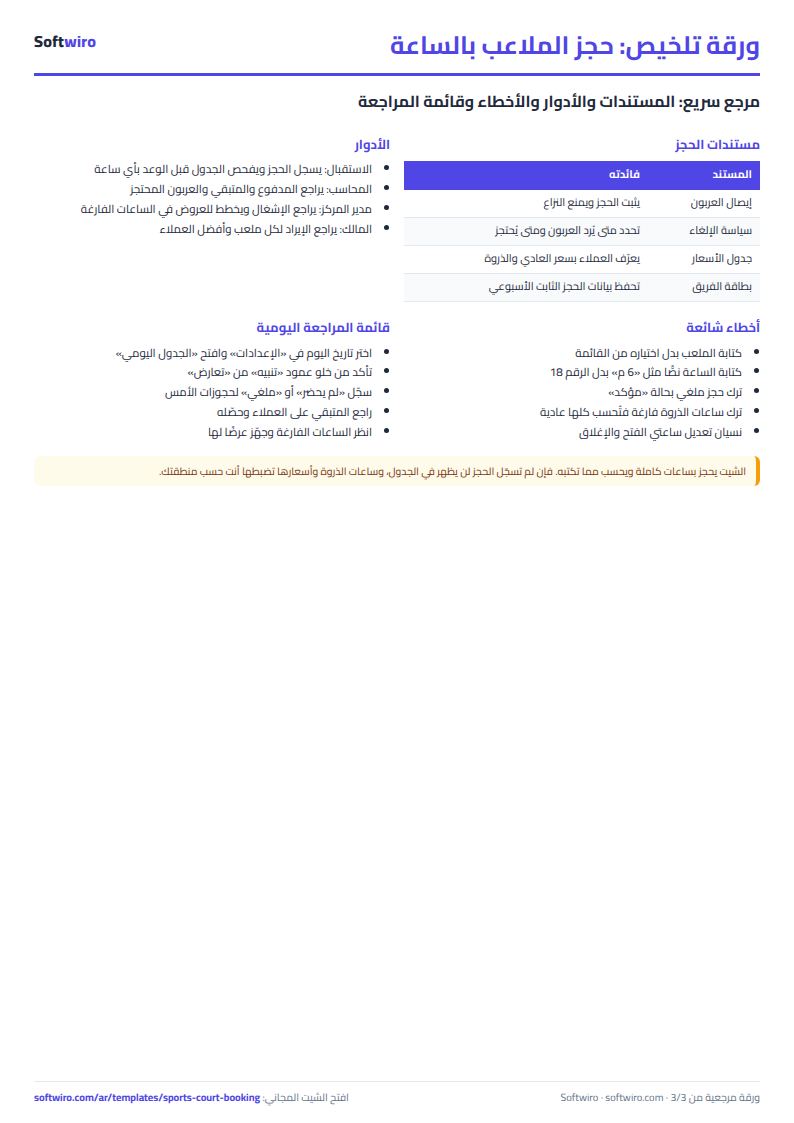
- الملاعب (Courts): the pricing rules of each court, with the month's bookings, hours, revenue and occupancy.
- العملاء (Customers): each customer's bookings, hours, amount due, balance, no-shows and rank.
- الحجوزات (Bookings): price, peak hours, end time, amount due, balance and alert on every row.
- الجدول اليومي (Daily grid): courts in rows, hours in columns, the customer's name in each cell, overlaps in red.
- الملخص (Summary): the month's numbers, revenue per court, occupancy per hour and per part of the day, revenue for six months, and the top five customers.
A walk-through with the sample numbers
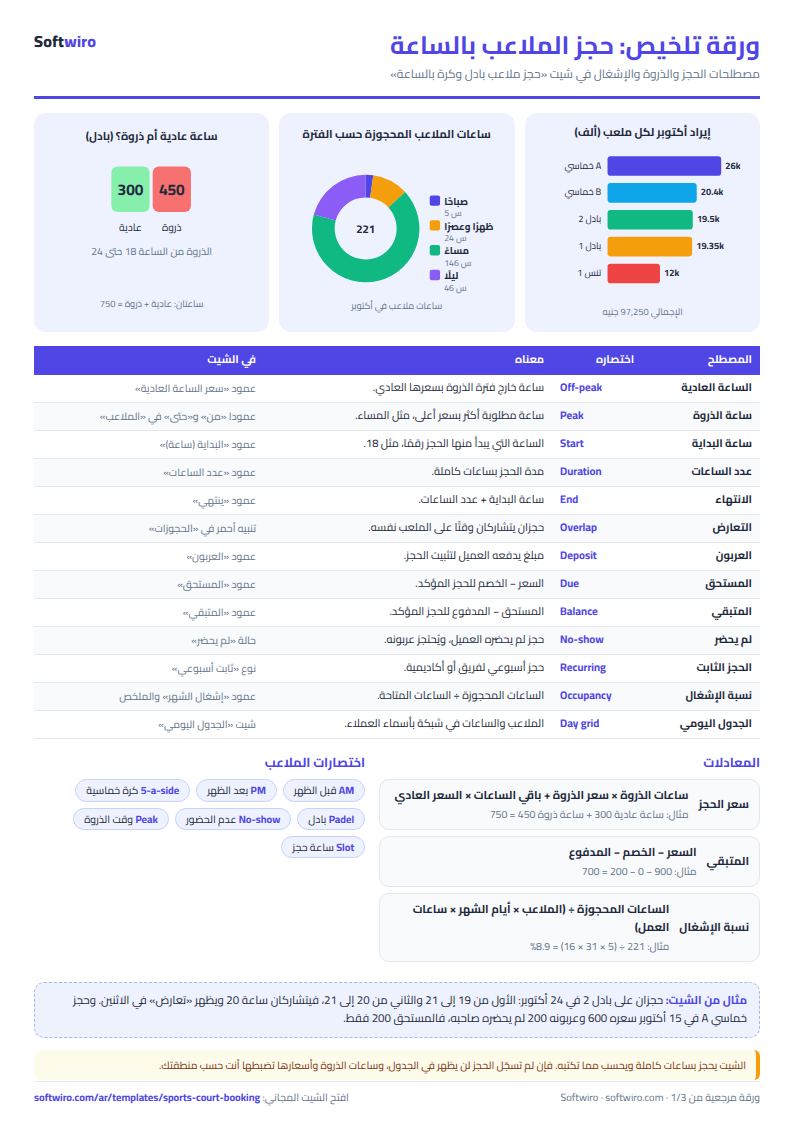
These figures are sample data inside the sheet, not a real club: five courts (Padel 1, Padel 2, Five-a-side A, Five-a-side B, Tennis 1) and bookings in October 2026; the examples look at October.
- A 19:00 booking for two hours on Padel 1: both hours are peak (18 to 24), so the price is 2 × 450 = 900.
- A 17:00 booking for two hours on Padel 2: only one hour is peak, so 300 + 450 = 750.
- The 10 October 18:00 booking on Padel 1: the price is 900 and the customer paid a 200 deposit, so the balance is 700.
- Tennis at 16:00 for two hours: peak starts at 17, so 200 + 300 = 500.
- An overlap: on 24 October one booking on Padel 2 runs 19 to 21 and another 20 to 21, so both show "overlap".
- A no-show: a Five-a-side A booking on 15 October is priced 600 with a 200 deposit, so only 200 is due. The cancelled Padel 1 booking on 21 October has nothing due.
- The daily grid for 10 October: on Padel 1 Kareem Hassan appears at 9 and Youssef Nasser at 18 and 19, so it has 3 booked hours, 18.75% of 16.
- October summary: 146 bookings (cancelled excluded) and 221 hours, so occupancy is 8.9% of 2,480 available hours (5 courts × 31 days × 16 hours). Revenue is 97,250, collected 93,500 and the balance owed by the month's customers 3,750. The highest-earning court is Five-a-side A at 26,000, and the busiest hour is 20:00 with 50 court-hours.
Common mistakes
- Typing the court with different letters: choose it from the list, otherwise it shows "court not found" and no price is calculated.
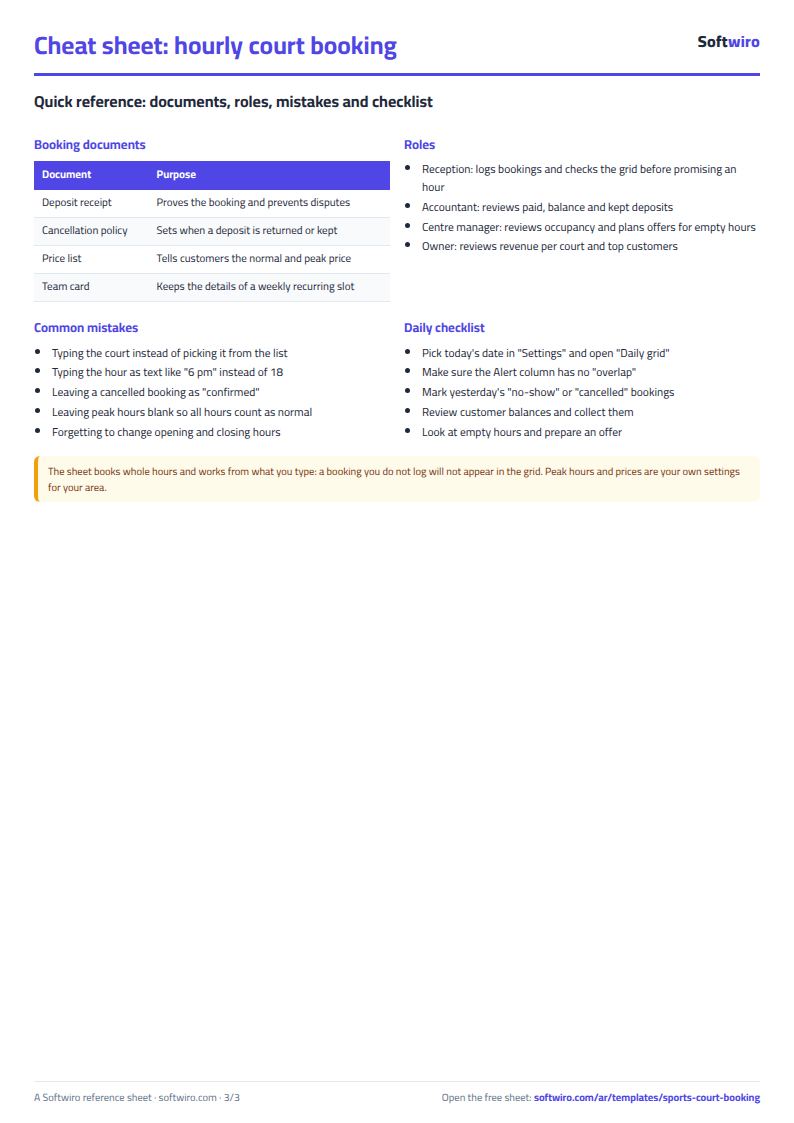
- Typing the start time as text like "6 pm": type a number (18) and the hours as a number.
- Forgetting the peak hours in Courts: if they are blank, every hour is treated as normal.
- Leaving a cancelled booking as "confirmed": it holds the hour and shows a balance. Choose "cancelled".
- Reading occupancy without checking opening hours: change the opening and closing hours in Settings to match yours.
When the sheet is not enough
It suits one centre where one or two staff type the bookings. If you want players to book for themselves, pay the deposit online, get a reminder message, or have several staff working at once, Softwiro can build you a program around your way of working. If you follow your own matches and training, see the tennis and padel match log, and for gym subscriptions the gym memberships sheet.
Your next step
Open the template page and try it online or download the Excel file, clear the samples, type your courts and peak prices, then log tomorrow's bookings and look at the daily grid.