You run a library at a school, a mosque, a club or in a neighbourhood, and you want to know at any moment: where is each book, who is late returning one and how much fine do they owe, which title has run out of copies, and has any member borrowed more than they are allowed? The free lending library management sheet (the page is in Arabic) answers from things you type: your books, your members and one row per loan.
The problem: a book leaves and nobody remembers where it went
A paper borrowing notebook records who took the book, but it does not work out the return date, does not tell you how many copies of a title are left, and does not warn you that a member holds four books when their limit is three. Fines turn into favours or arguments because nobody knows the exact number of late days. The sheet puts the library's rules in الإعدادات (Settings) once and applies them to every row.
How it works, step by step
- In الإعدادات (Settings) type today's date, the fine per late day and its maximum per loan, then for each member type (student, teacher, ordinary member for example) the loan period and the maximum number of books out at once.
- In الكتب (Books) write each title with its code, author, category, number of copies and shelf place.
- In الأعضاء (Members) write each member with a code, type, phone and membership expiry date.
- In الاستعارة (Loans) write only the date, the member code and the book code for each loan. The rest fills in by formula.
- When the book comes back, type the return date in the same row, and the fine the member paid if any. While the return date is empty the book is out of the library.
- Record anything damaged or lost in التالف والمفقود (Lost and damaged), open المتأخرات (Overdue) to call the borrowers, and الملخص (Summary) for the month's numbers.
What each sheet does
- Books: available now = copies − on loan now − lost or damaged. The status reads available or not available now, with a «count error» warning if more is recorded than you own.
- Members: books out now against the maximum for their type, total loans and fines, and a status: fine, has overdue, over limit or membership expired.
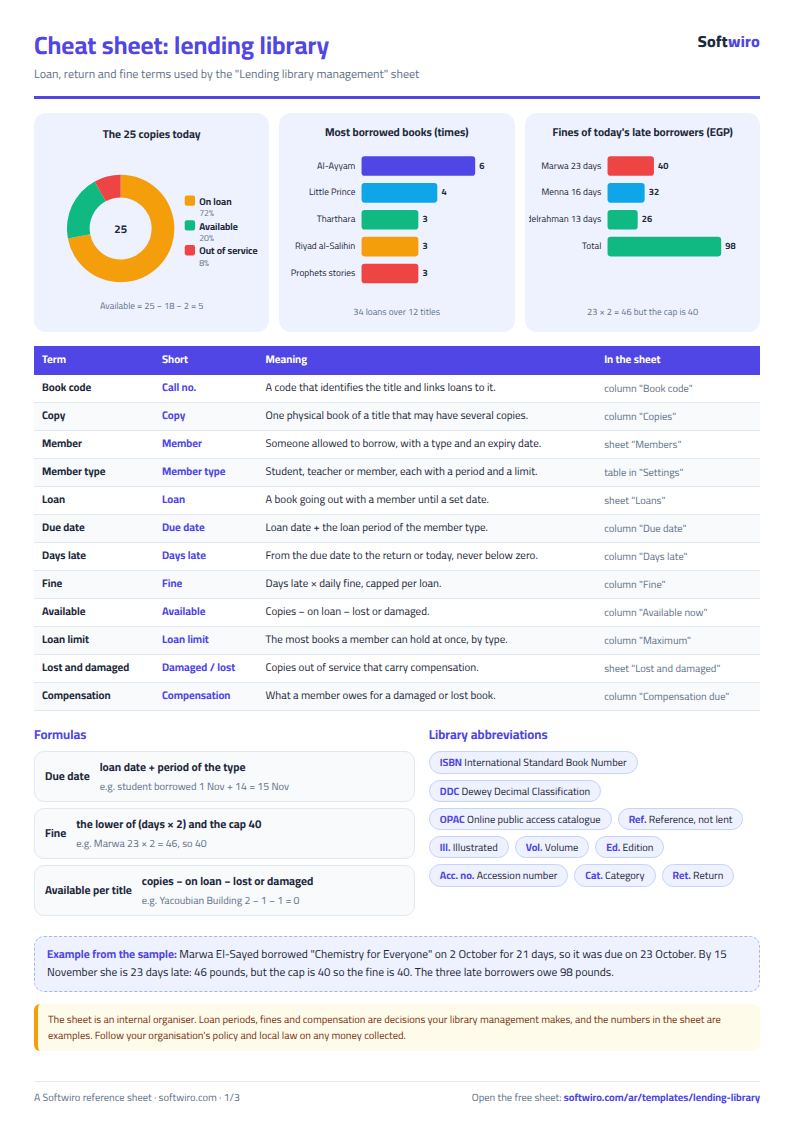
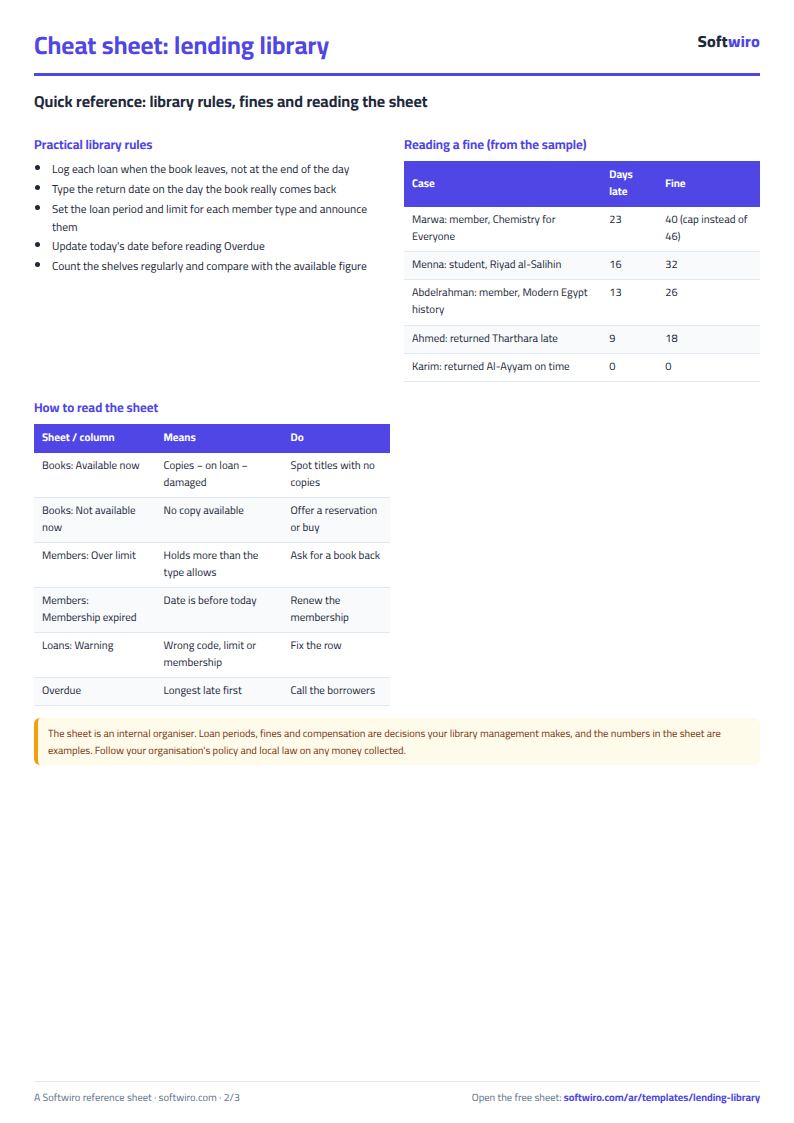
- Loans: due date = loan date + the period for the type. Days late = (return date or today) − due date, fine = days × daily fine up to the cap, and unpaid = fine − paid. A warning shows for an unknown code, an expired membership at the time of the loan, or going over the book limit.
- Overdue and Most borrowed: two lists that sort themselves, one for late borrowers and one for the most borrowed books and most active members.
- Lost and damaged, and Summary: the compensation still owed per row, library and fine figures, and the month's loans split by category.
A walk-through with the sample numbers
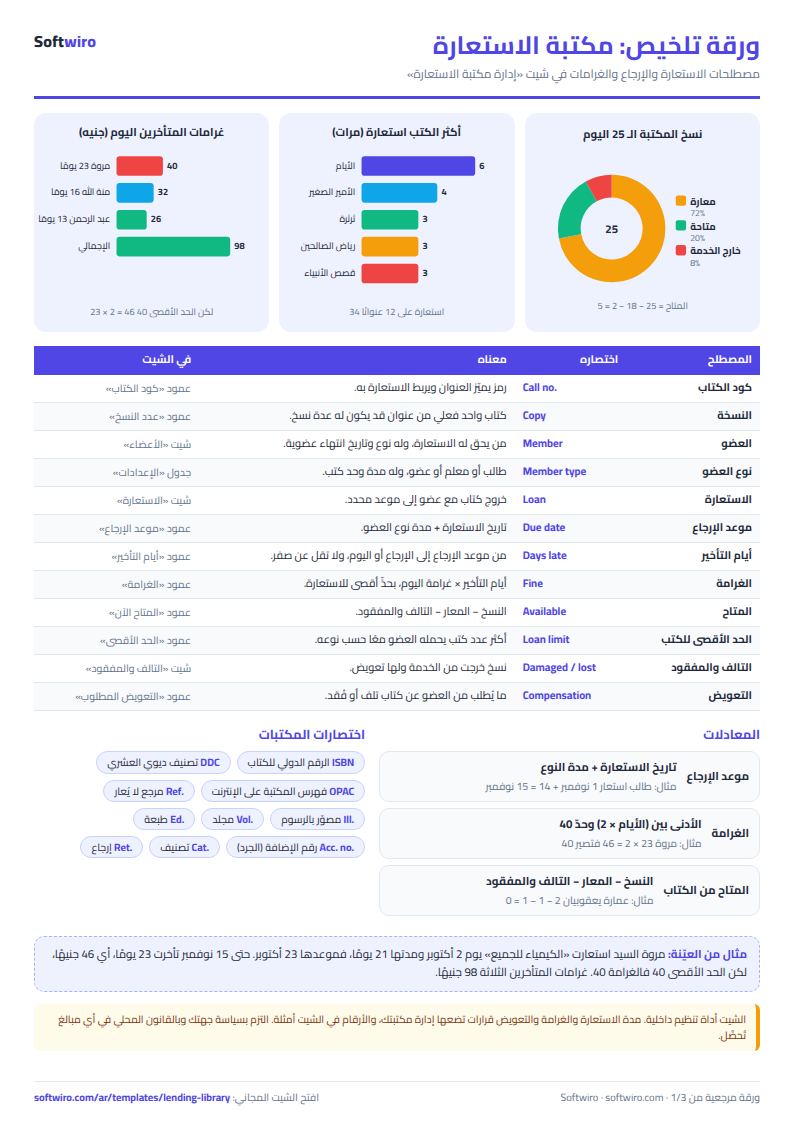
These numbers are sample data inside the sheet, not a real library: 12 titles in 25 copies, 10 members and 34 loans. Today is 15 November 2026, the fine is 2 pounds a day with a cap of 40, and the loan period is 14 days for a student, 30 for a teacher and 21 for an ordinary member.
- Where things stand today: 18 copies are out, 2 copies are out of service (one damaged, one lost), so only 5 copies are available. «Al-Ayyam» by Taha Hussein has 3 copies, all out, so its status is «not available now».
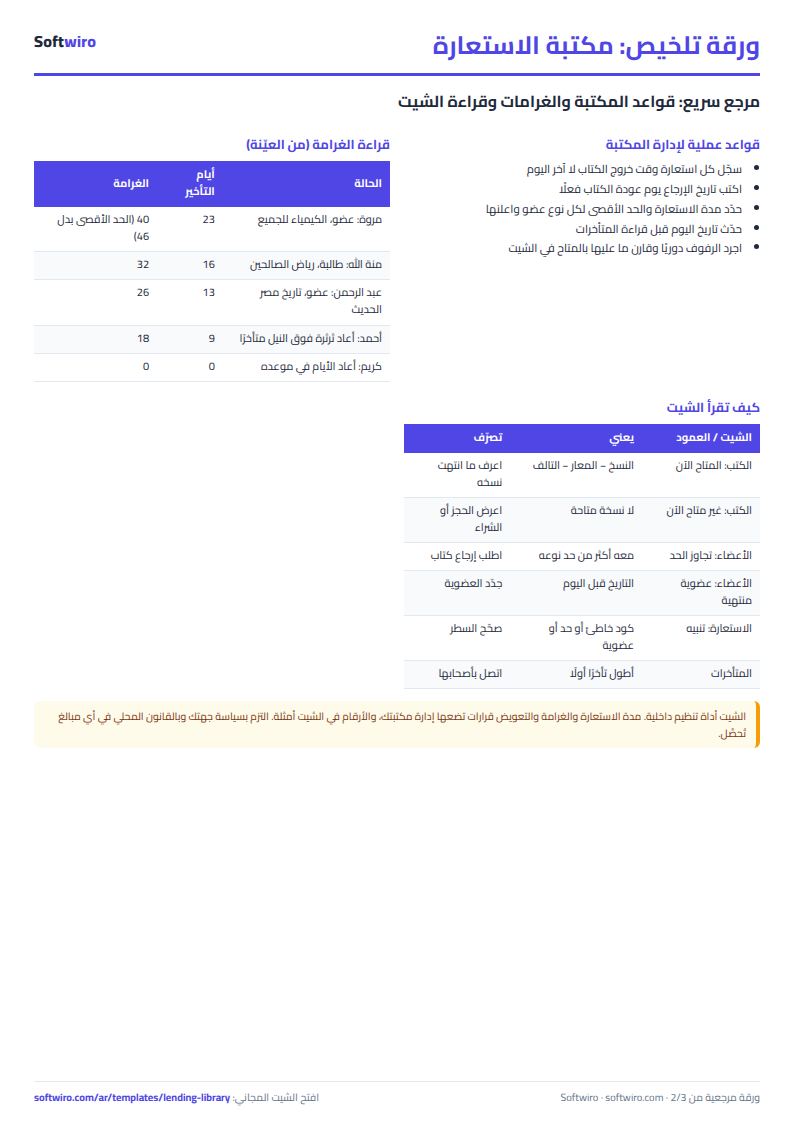
- Overdue: three loans. Marwa El-Sayed is 23 days late with «Chemistry for Everyone»; the fine would be 46 pounds but the cap stops it at 40. Menna Hassan is 16 days late (32 pounds) and Abdelrahman Saleh 13 days (26 pounds). Running fines total 98 pounds.
- All fines: 202 pounds across all loans, of which 54 was paid, leaving 148.
- Members: Ahmed Sameh holds 4 books against a student limit of 3, so his status is «over limit» and the warning shows on the fourth loan. Laila Ibrahim's membership expired on 31 October and she borrowed on 4 November, so the expired-membership warning shows.
- The chosen month (October): 21 loans, 9 of them returned within the month, and most were in «novels and literature» with 6. The most borrowed book is «Al-Ayyam» with 6 loans, and the most active member is Ahmed Sameh with 7.
- Lost and damaged: compensation due 160 pounds, 40 collected.
Common mistakes
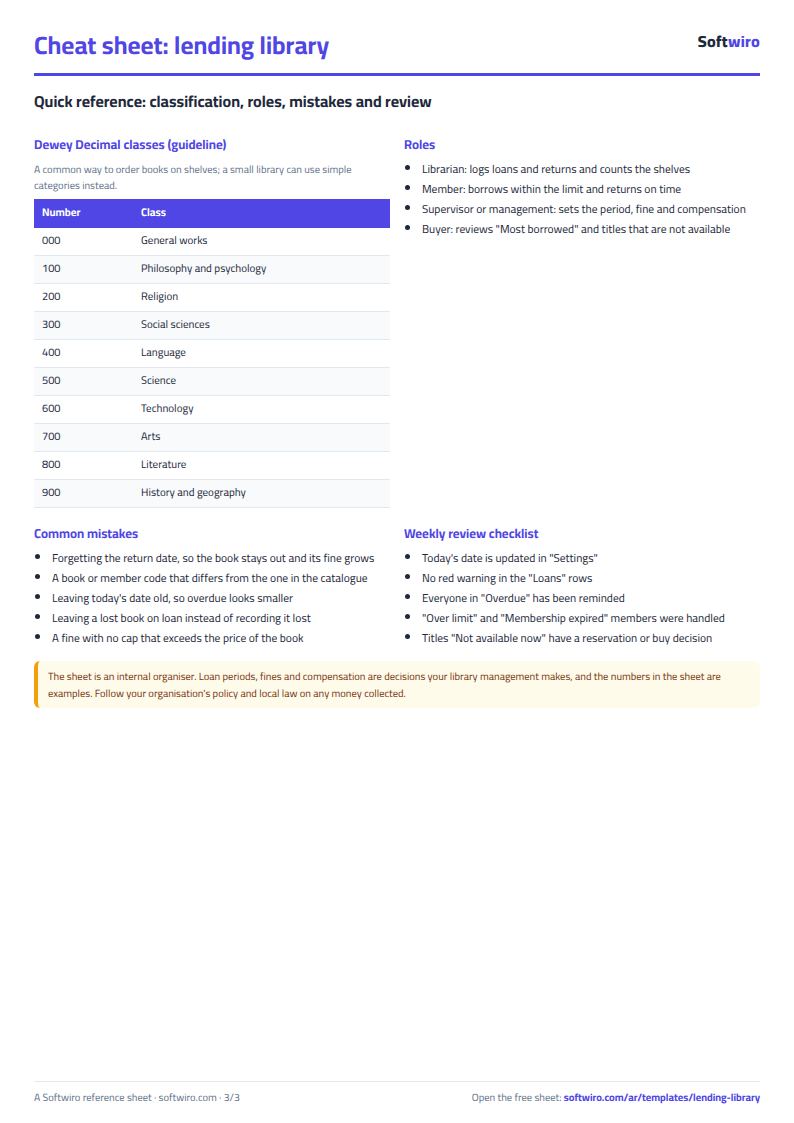
- Forgetting to type the return date, so the book stays out and its lateness and fine grow every day.
- Duplicating a book code, or typing a member code differently from the Members sheet, which shows «not found» and calculates nothing.
- Not updating today's date in Settings, so overdue loans and running fines look smaller than they are.
- Leaving a lost book on loan. Put a return date on its loan row and record the loss in its own sheet.
- Setting a fine with no cap, so the fine exceeds the price of the book. Choose a cap that suits your library or that its managers approve.
When to move to a system
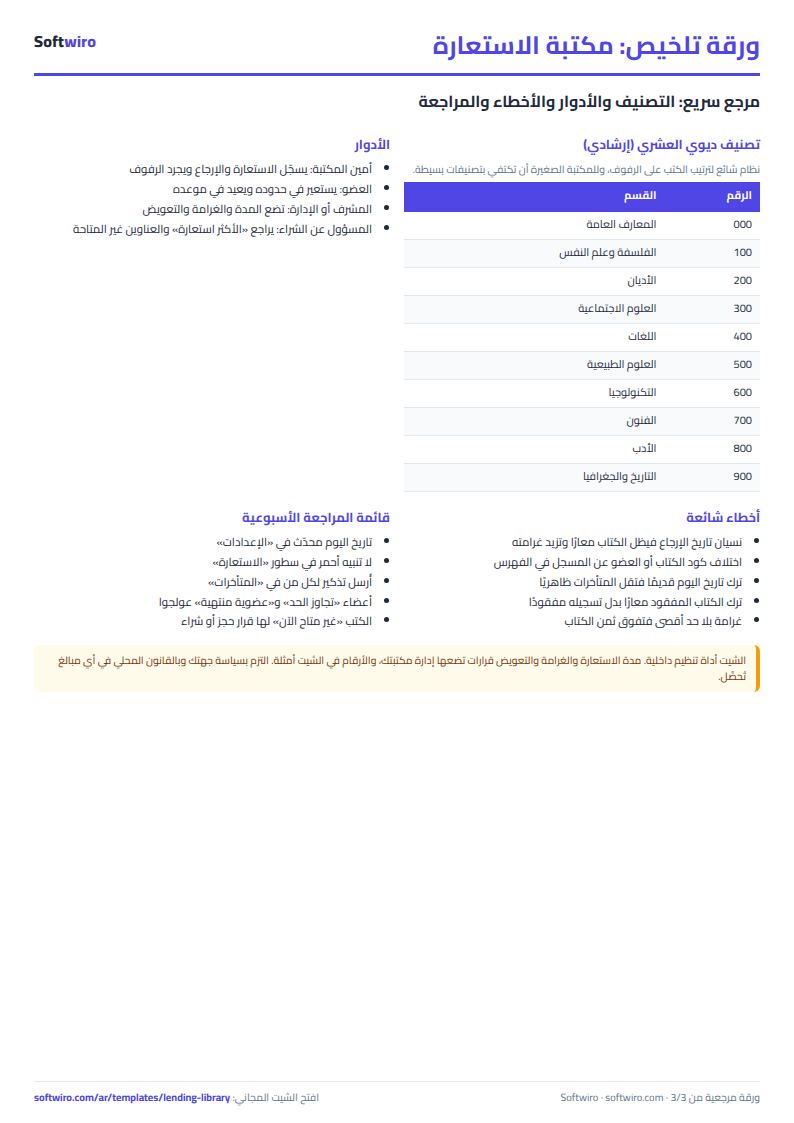
The sheet suits a library run by one librarian with up to a few thousand loans. When there are too many members to type codes by hand, or you want cards and barcodes, automatic reminders before the due date, or members reserving a book from their phone, that is work for a custom Softwiro program. And if you sell books rather than lend them, the general shop inventory sheet fits better.
Your next step
Download the sheet, write your member types, loan period and the fine your library management approves in Settings, then enter the first twenty books and ten members and log this week's loans. Open Overdue at the end of the week.
Common questions
Does it work for a library with no fines? Yes, set the daily fine to zero and the late days still show.
Does it work on a phone? Yes, in Excel, Google Sheets and LibreOffice.
Who decides the loan period and the fine? Your library's management. The numbers in the sheet are examples, so type what you approve.