You sell to customers on credit and move cash in and out of the till every day, and you want to know at any moment what the till holds and what each customer owes. The free cash book and customer accounts sheet does that: you enter items and payments once, and both the cash and the customer figures come out.
The problem
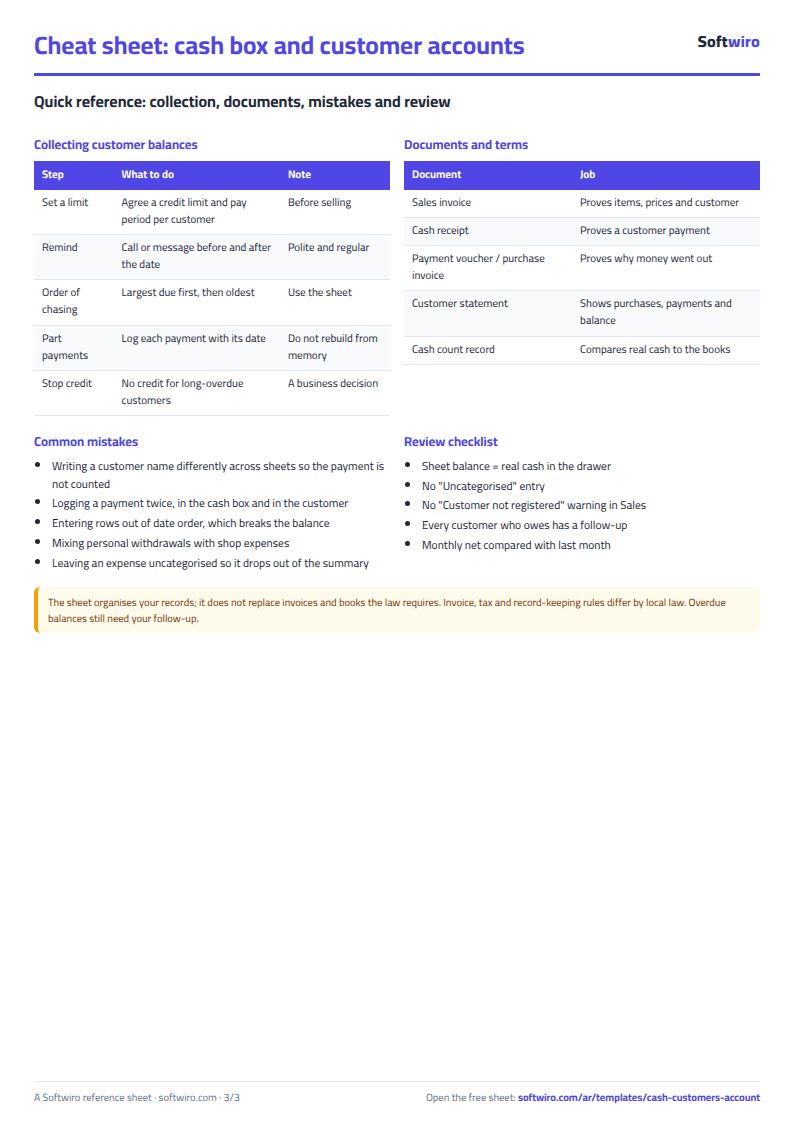
Many people keep a cash book and a customer book. A payment goes into both, one gets forgotten, the figures drift, and "what does Ahmed owe?" takes an hour of adding up.
How it works
- In Settings enter the year and the opening cash balance, and in Categories your income and expense names.
- In Customers enter each customer and phone.
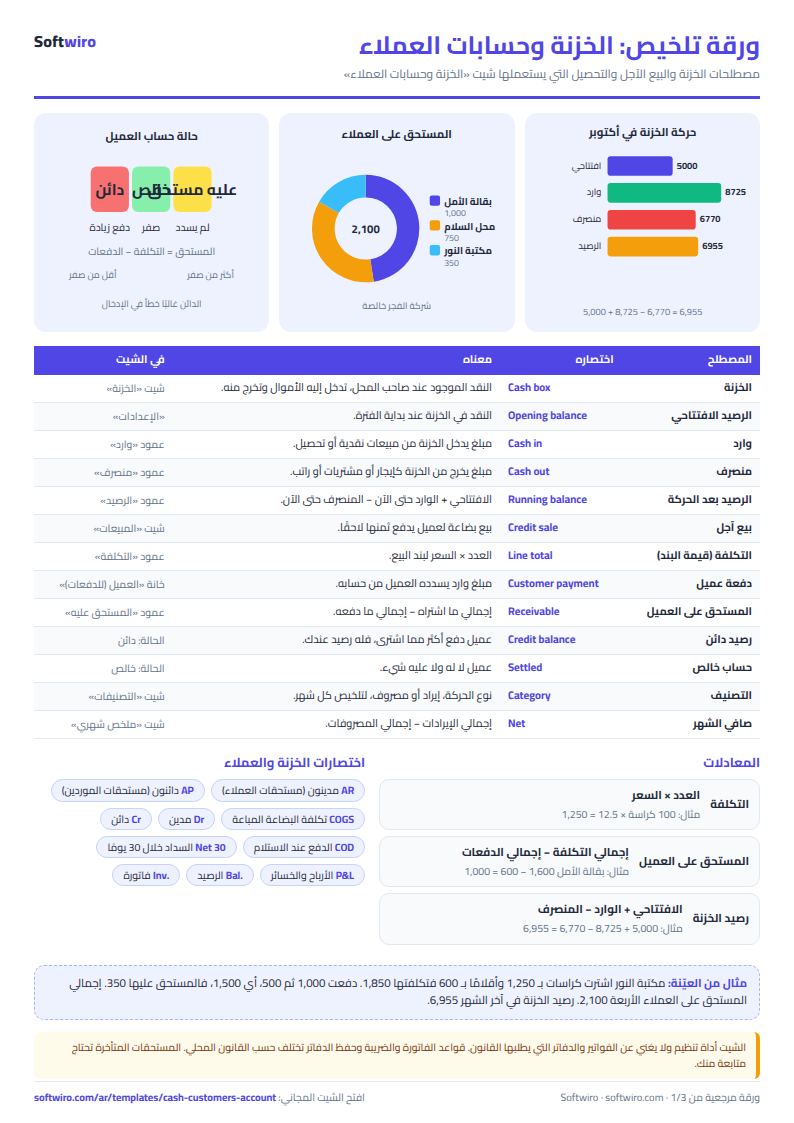
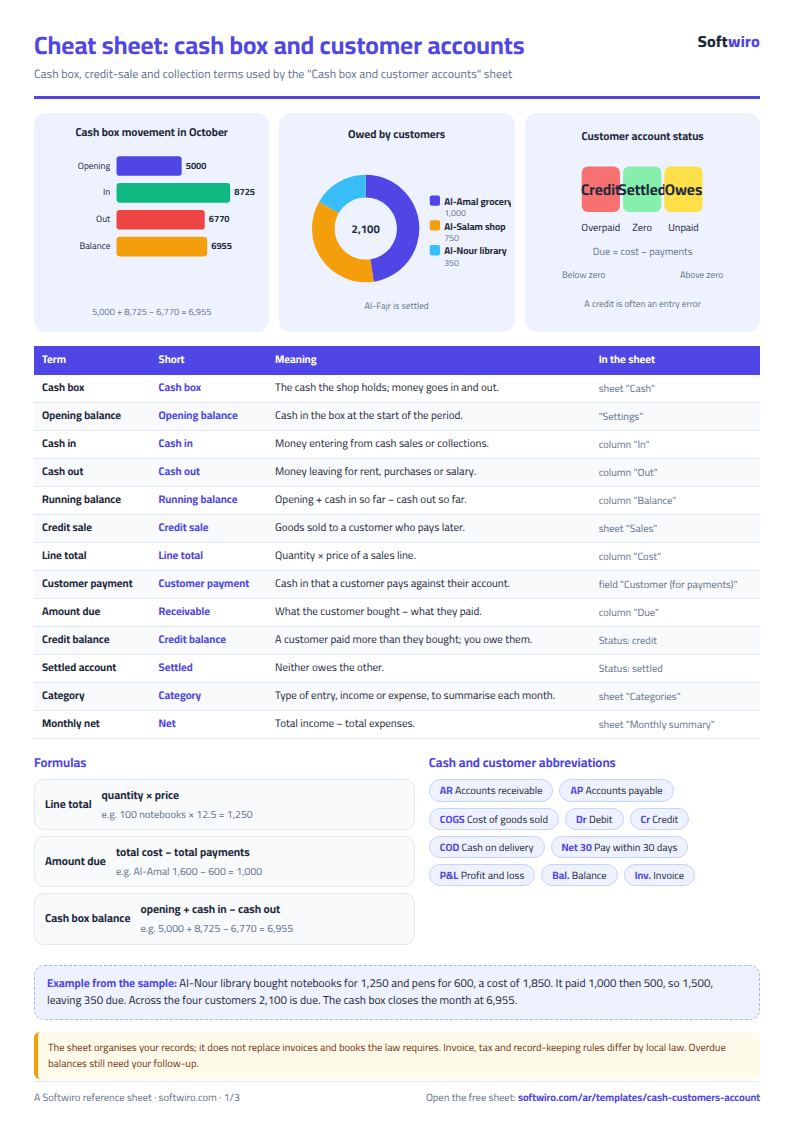
- In Sales enter each item with date, customer, description, quantity and price. Cost = quantity × price appears.
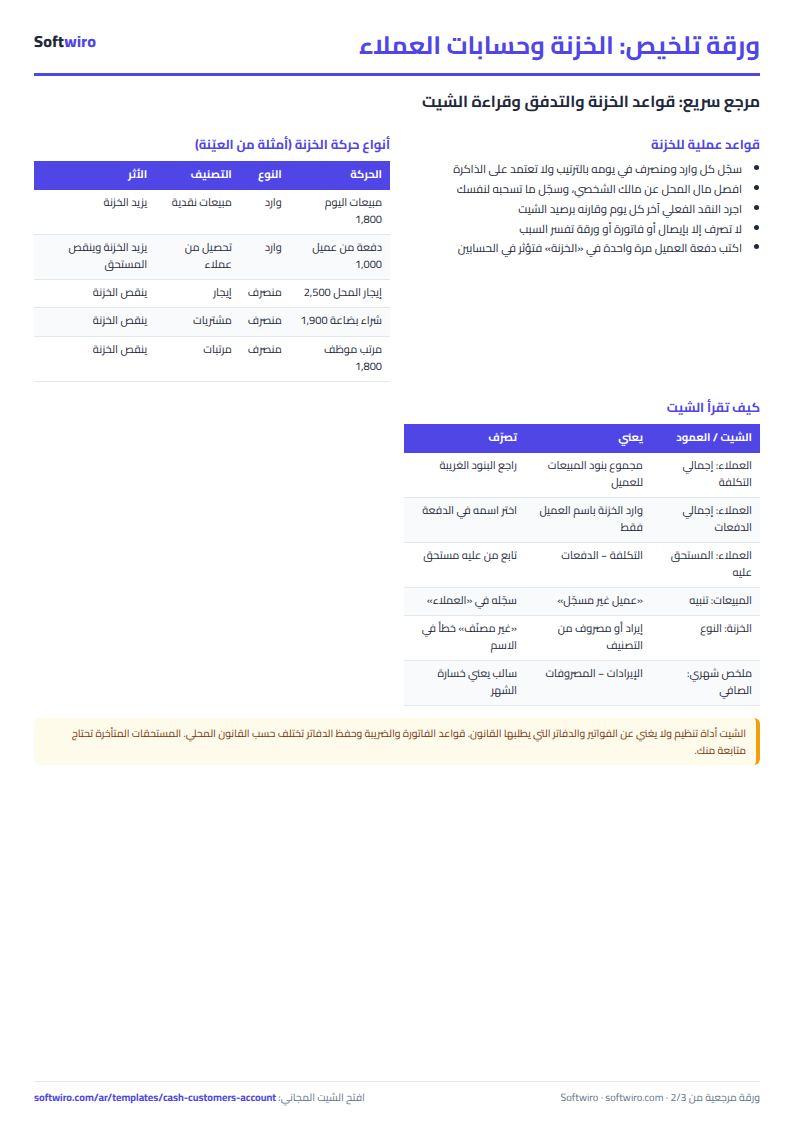
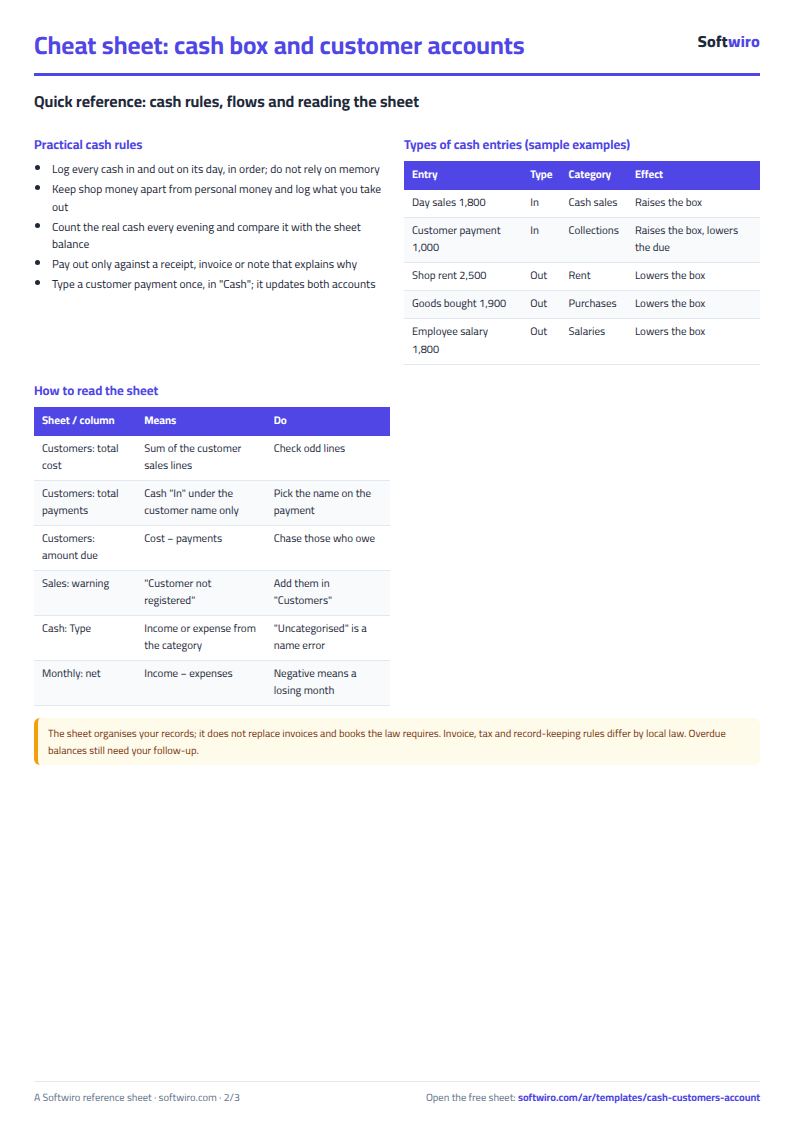
- In Cash enter every receipt and payment. If a receipt is a customer payment, pick the customer.
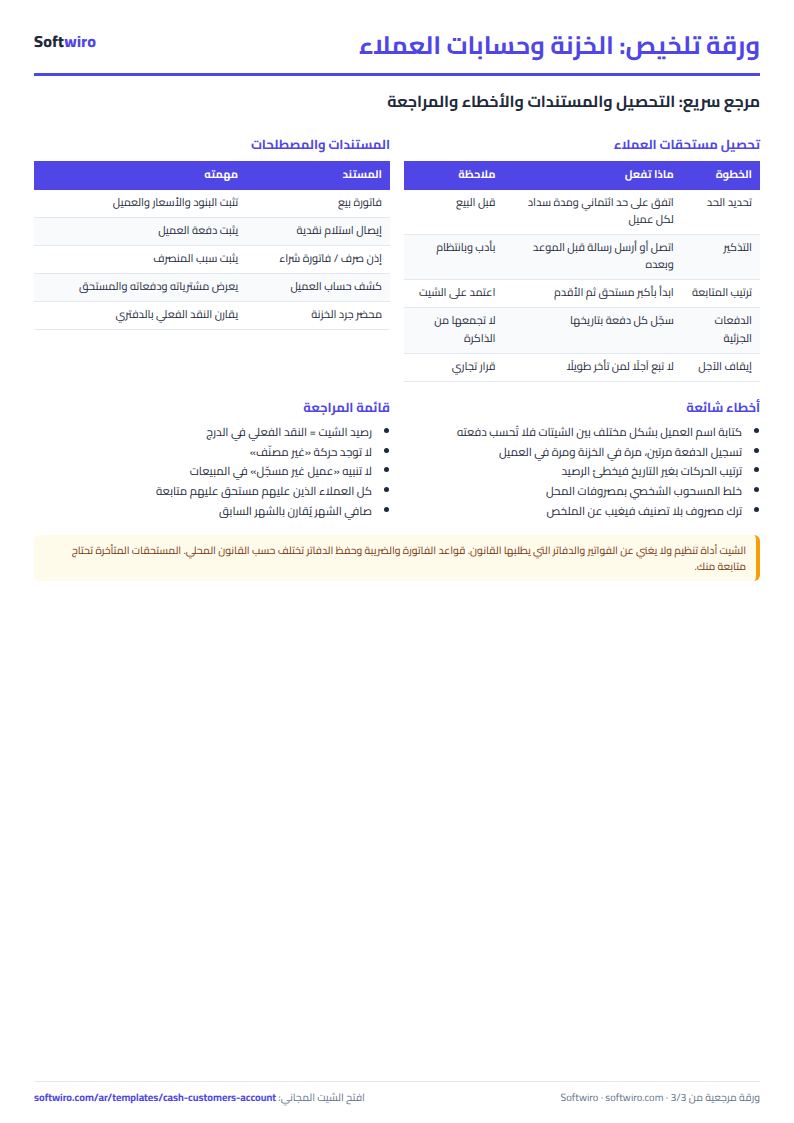
- Customers then shows each customer's items, total cost, total payments, amount due and status.
- Monthly summary gives income, expenses and net per month.
How the numbers are worked out
- Cost = quantity × price per item; a customer's cost is the sum of their items.
- Payments = the sum of the cash "in" column on rows where you picked that customer.
- Amount due = total cost − total payments: positive means "owes", zero "settled", negative "in credit".
- Cash balance = opening balance + total in − total out up to that row.
Open the sheet at /ar/templates/cash-customers-account. It holds 300 customers, 2,000 items and 2,000 cash rows.