SYS-04 · Manufacturing
Production Manager
An integrated system for managing and monitoring the entire production cycle within factories. It enables products to be tracked from creation through to completion, while managing all manufacturing stages, workers, quantities, and workflows. The system helps improve production efficiency while reducing errors and delays.
What it changes
The system helps organize the entire production workflow, providing real-time product tracking, improving communication between workers and management, reducing errors, and identifying delays at an early stage. This ultimately improves operational efficiency and increases overall factory productivity
What it does
Key Features
- Create production orders with an automatically generated number or enter a number manually.
- Record all product information before production begins.
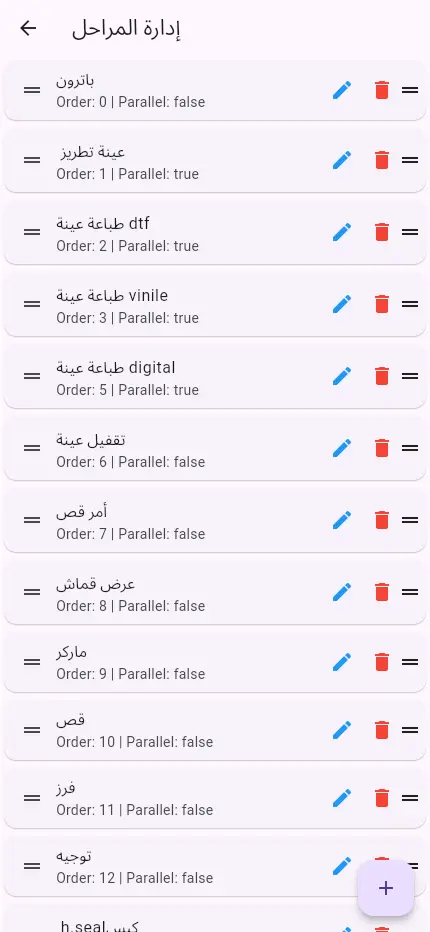
- Create an unlimited number of production stages, with support for 30 stages or more.
- Define the production workflow for each product based on its manufacturing requirements.
- Assign each production stage to the responsible worker or department.
- Implement a handover and receiving system between stages to ensure accurate product tracking.
- Track the current status and stage of each product, including all remaining stages.
- Monitor completed and remaining quantities at every production stage.
- Identify products that are paused or experiencing delays during production.
- Monitor production in real time through a centralized dashboard.
- Worker Management
- The system provides each worker with a dedicated account that allows them to:
- View their assigned tasks.
- See the quantities they are required to complete.
- View upcoming tasks assigned to them.
- Record their daily production.
- Track completed and remaining tasks.
- Communication and Notifications
- Internal news and announcements page for factory updates, instructions, and notifications.
- Problem and breakdown reporting system that allows workers to report issues directly.
- Receive and manage reports through the administration dashboard.
- Share reports directly through applications such as WhatsApp or other communication channels to speed up issue resolution.
- Monitoring Dashboard and Analytics
- The dashboard enables management to:
- Track every product and identify its current production stage.
- View the remaining stages for each product.
- Monitor production completion rates.
- Identify bottlenecks and points of delay within the production line.
- Monitor produced and remaining quantities.
- Search and filter production data by:
- Product Number, Production Stage, Worker, Department, Date, Product Status ,And other criteria
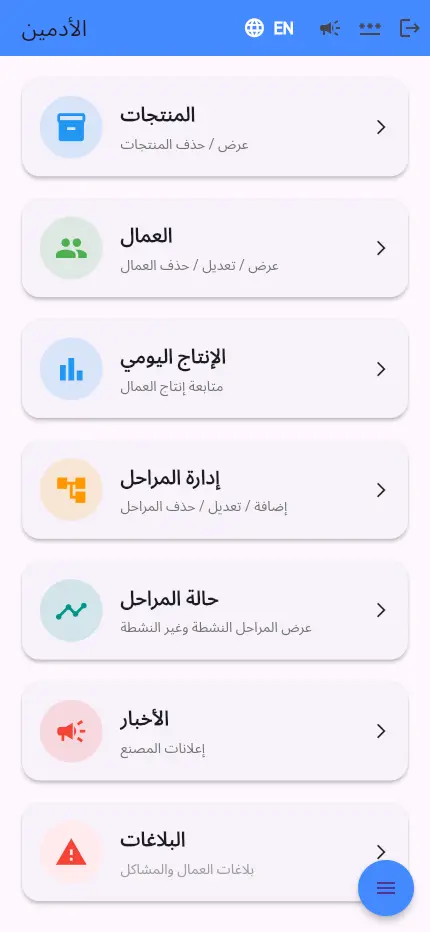
- Administration Dashboard
- The administration panel provides complete control over:
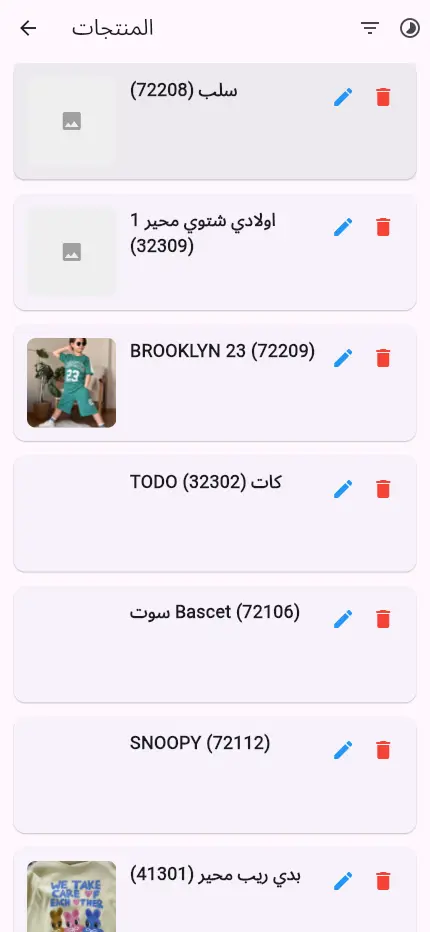
- Products
- Production Stages
- Production Lines
- Workers and Permissions
- Departments
- News and Announcements
- Problem Reports
- Production Reports
- Statistics and Analytics
- System Settings
From the system
Need a system like this?
Tell us how your business works today and where it breaks down. A reply with a practical next step follows by email.
Start a project like this