SYS-03 · Business Management
Accountwiro
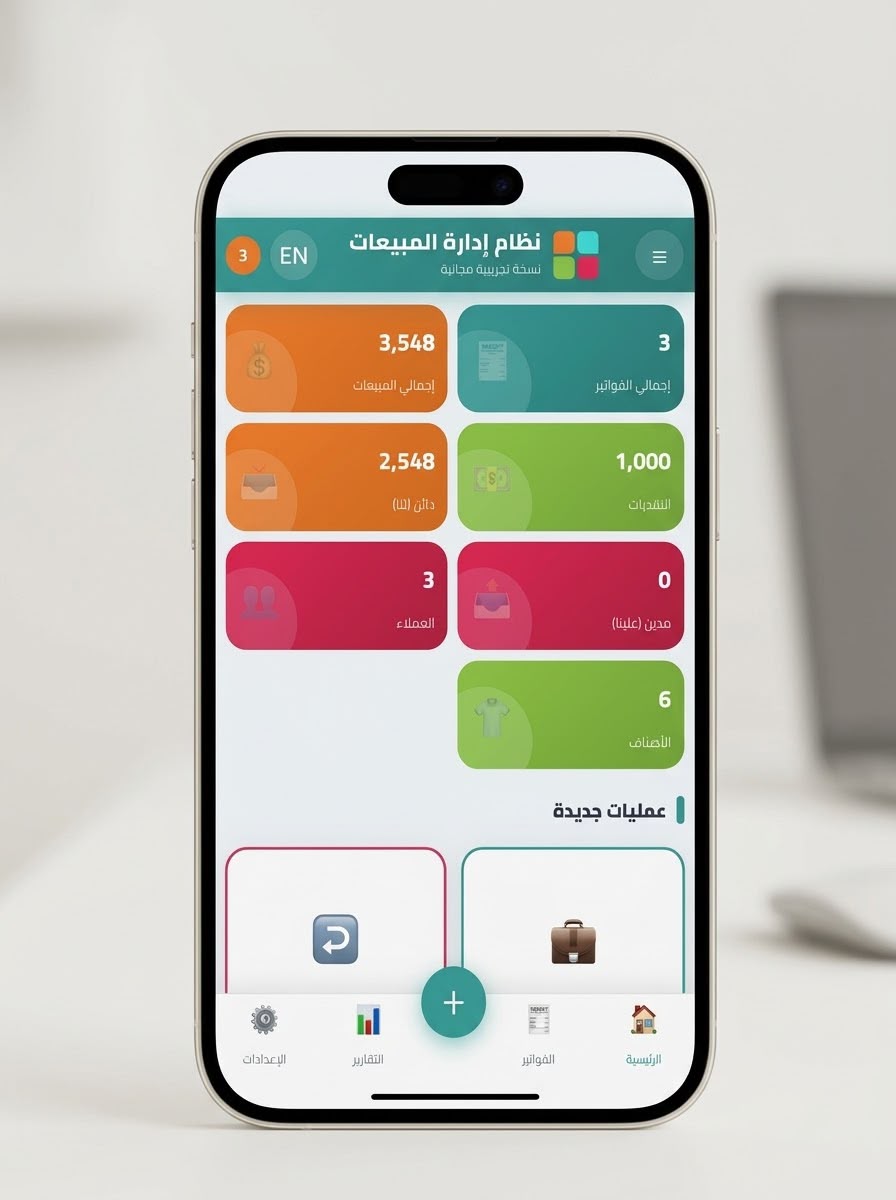
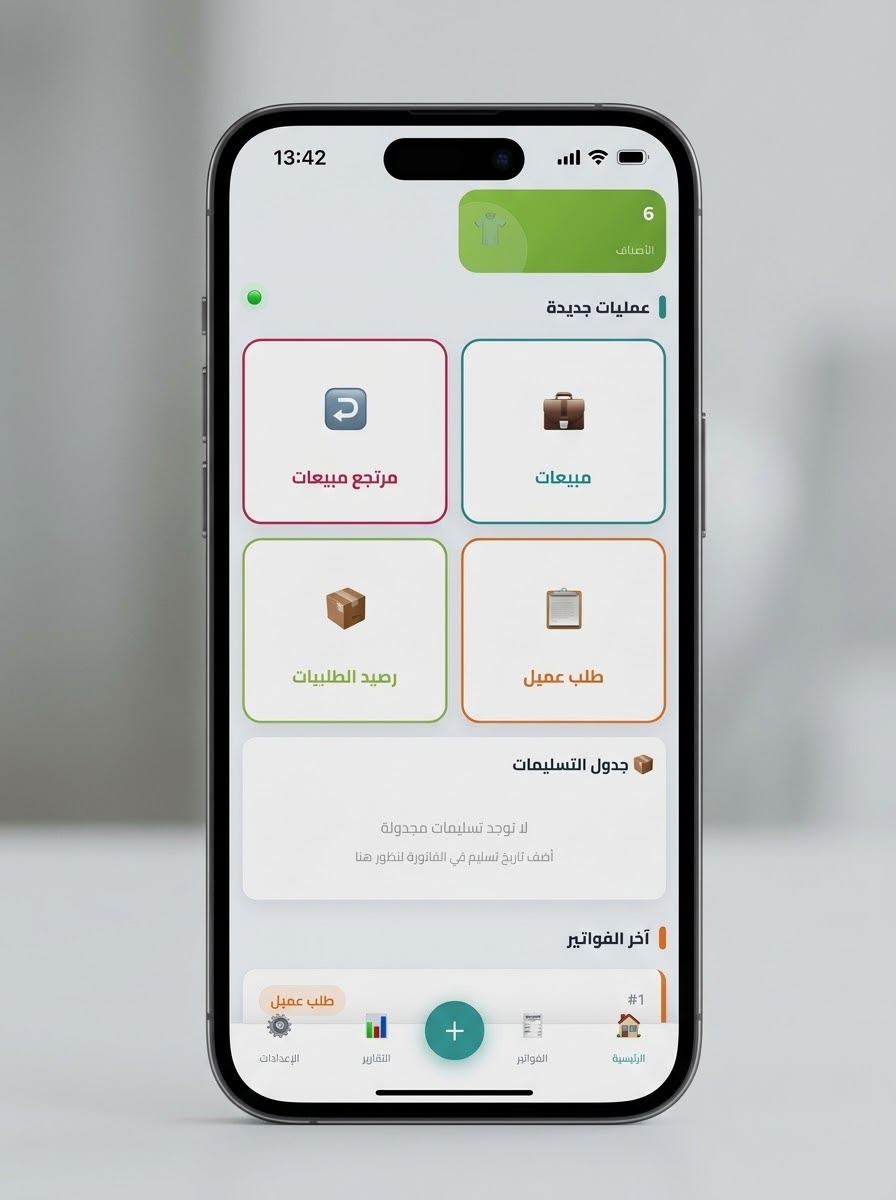
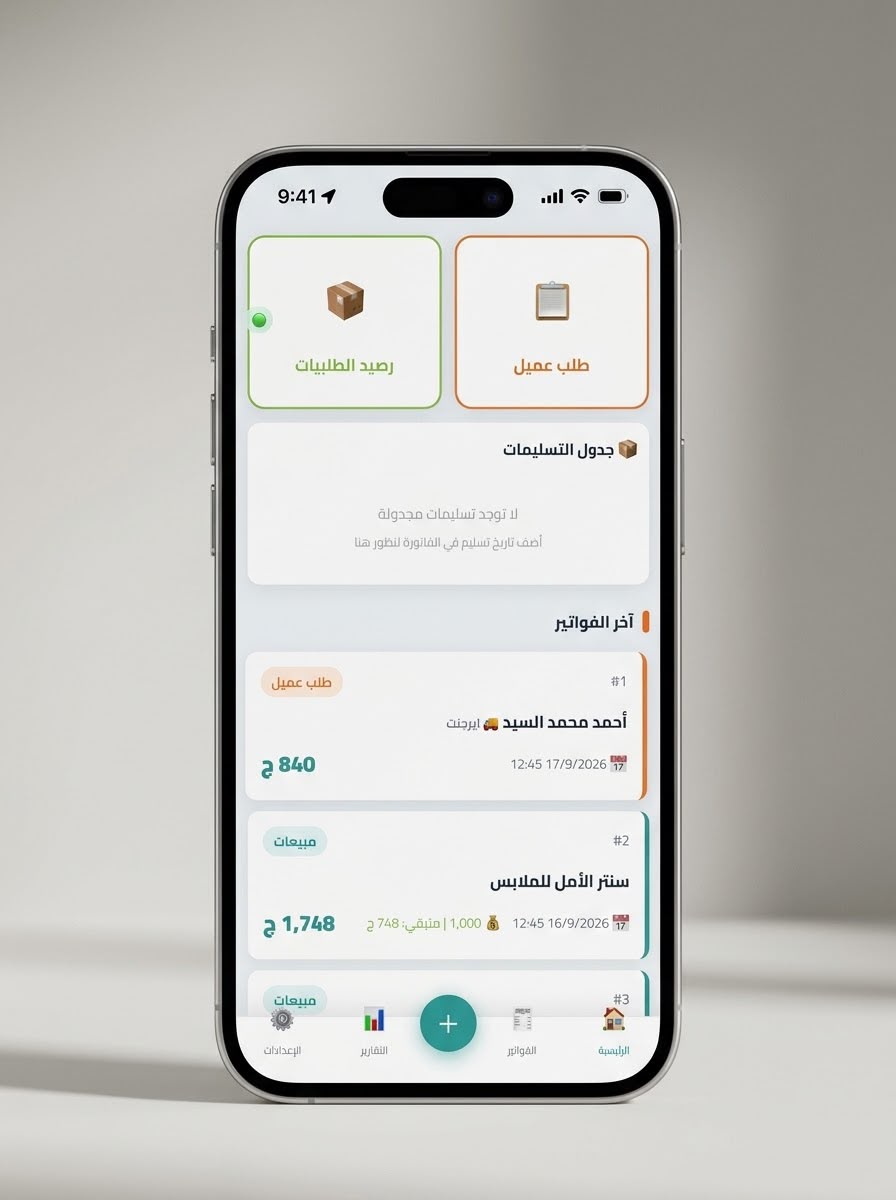
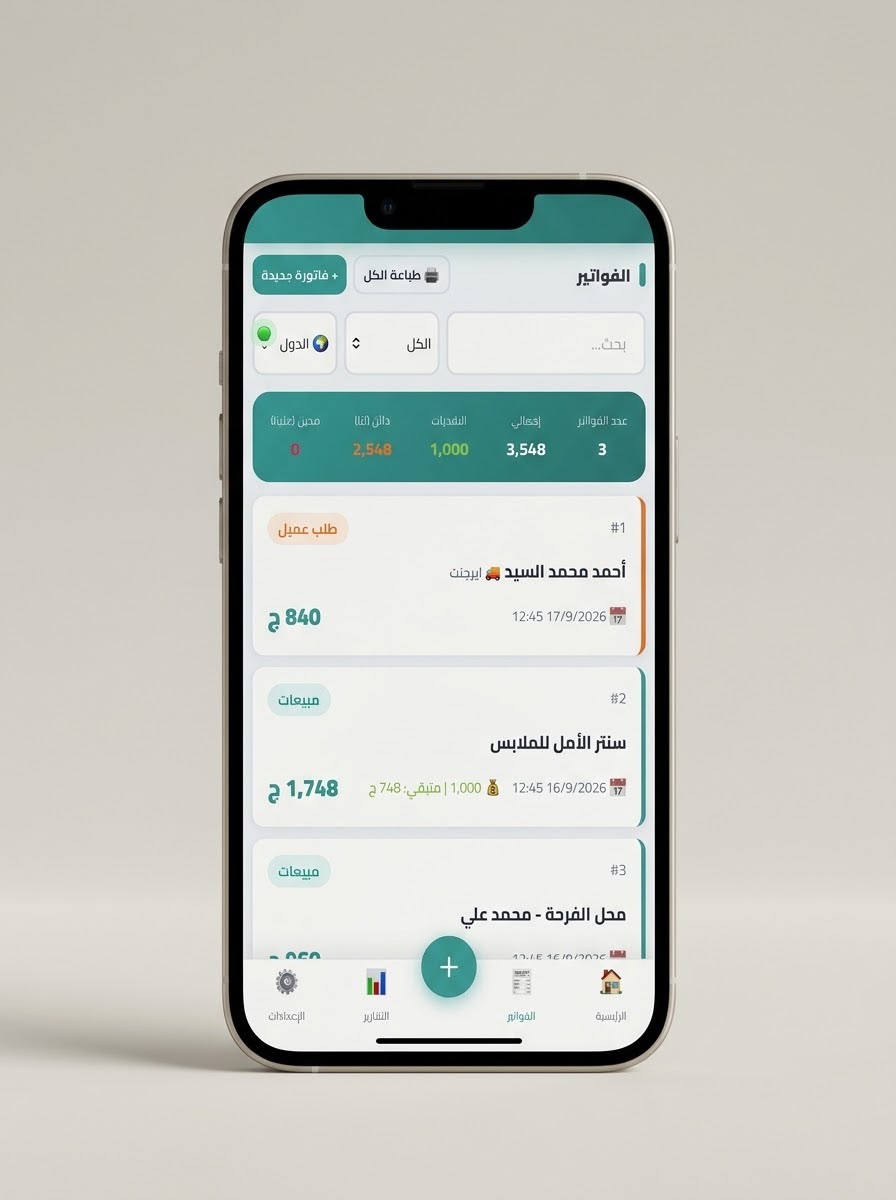
An integrated system for managing sales and inventory operations, designed to simplify invoicing, inventory tracking, customer and payment management, while providing detailed reports that help business owners monitor performance and make decisions quickly and accurately.
What it changes
The system helps accelerate sales operations, streamline inventory and customer management, and improve financial control. It also provides accurate reports that support decision-making, helping increase operational efficiency and reduce errors
What it does
Key Features
- Product Management & Invoicing
- Manage all products, categories, and product information.
- Create invoices quickly through:
- Barcode scanning.
- QR Code scanning.
- Searching by product name or code.
- Automatically calculate the invoice total, including discounts and taxes when applicable.
- Send invoices directly to customers via WhatsApp.
- Record deposits and link them to orders.
- Track orders throughout the fulfillment process until delivery.
- Inventory Management
- Automatically update inventory quantities after every sale.
- Receive alerts when product quantities fall below the required level.
- Identify products that need to be manufactured or reordered.
- Customer & Account Management
- Create a complete profile for each customer.
- Provide account statements showing all invoices, payments, and outstanding balances.
- Record partial or full payments.
- Track outstanding balances for each customer.
- Cash & Financial Account Management
- Record all collection and payment transactions.
- Accurately specify where funds were received:
- Cash register.
- Bank account.
- Any other payment method.
- Track the movement of funds throughout the system.
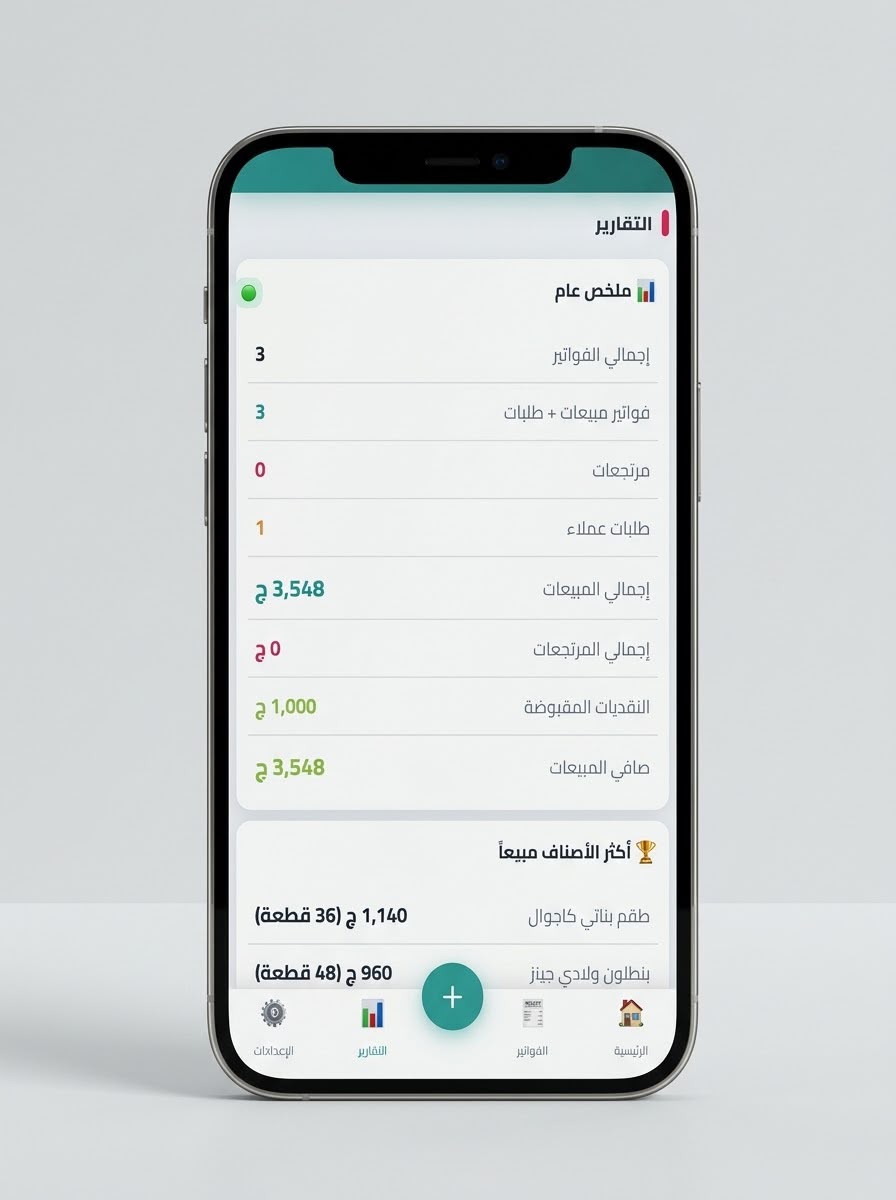
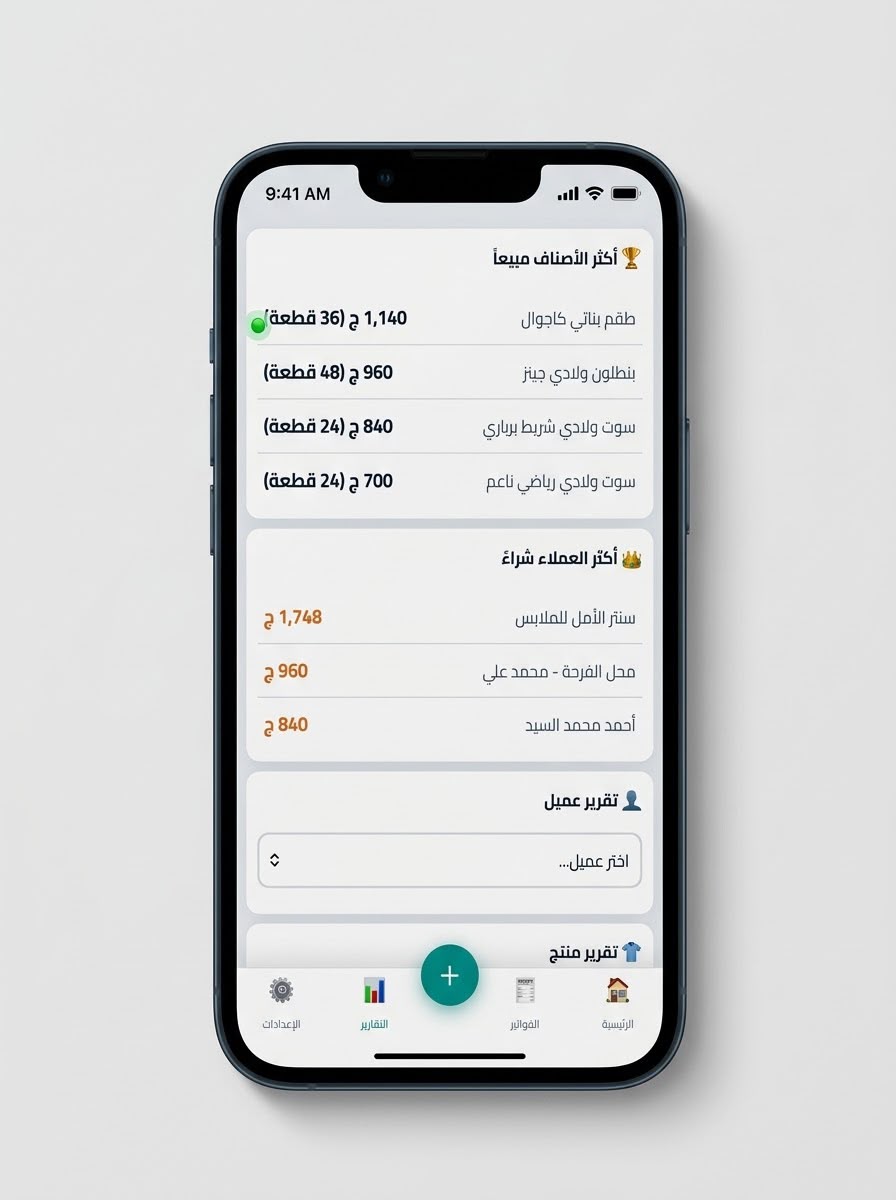
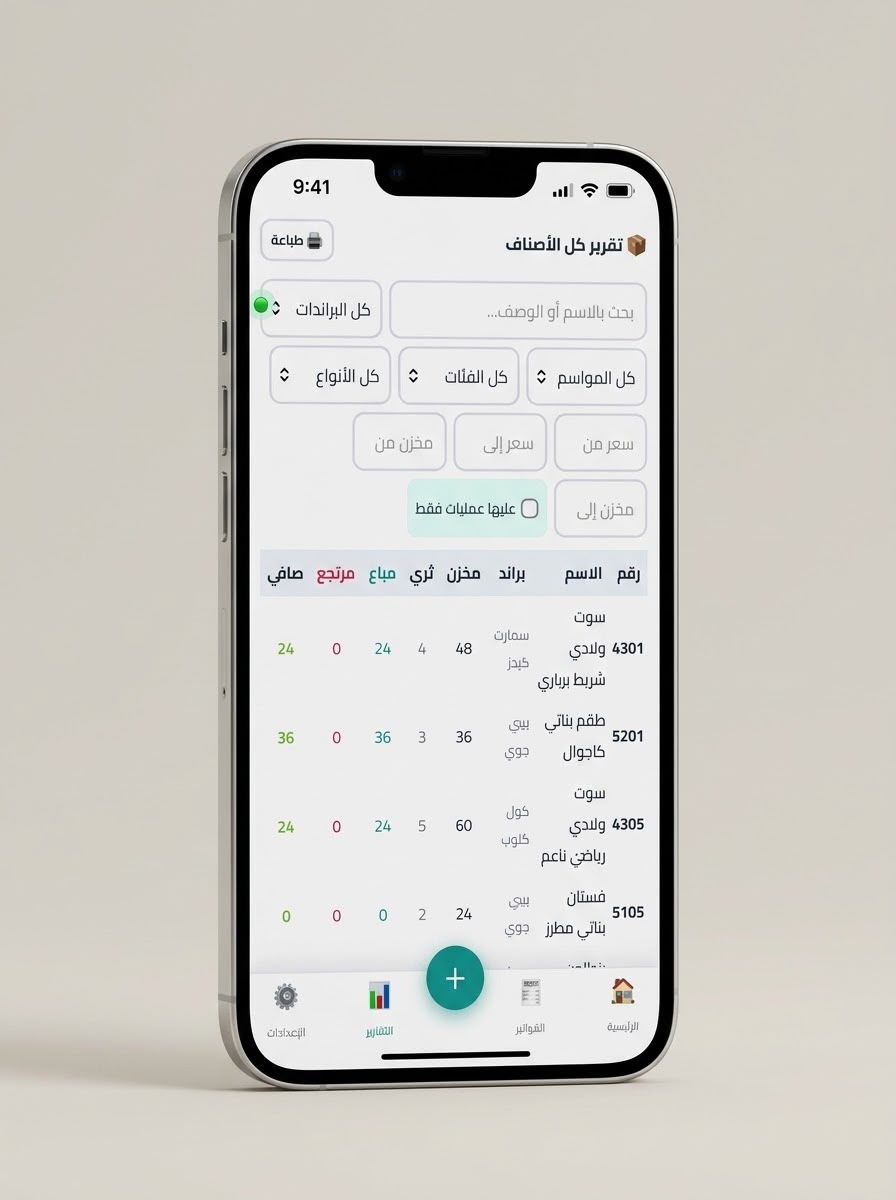
- Reports & Analytics
- The system provides a comprehensive range of reports, including:
- Sales reports.
- Inventory reports.
- Low-stock product reports.
- Products that need to be manufactured or restocked.
- Individual product reports showing sales and inventory movements.
- Individual customer reports showing transactions and account details.
- Profit and revenue reports.
- Payment and collection reports.
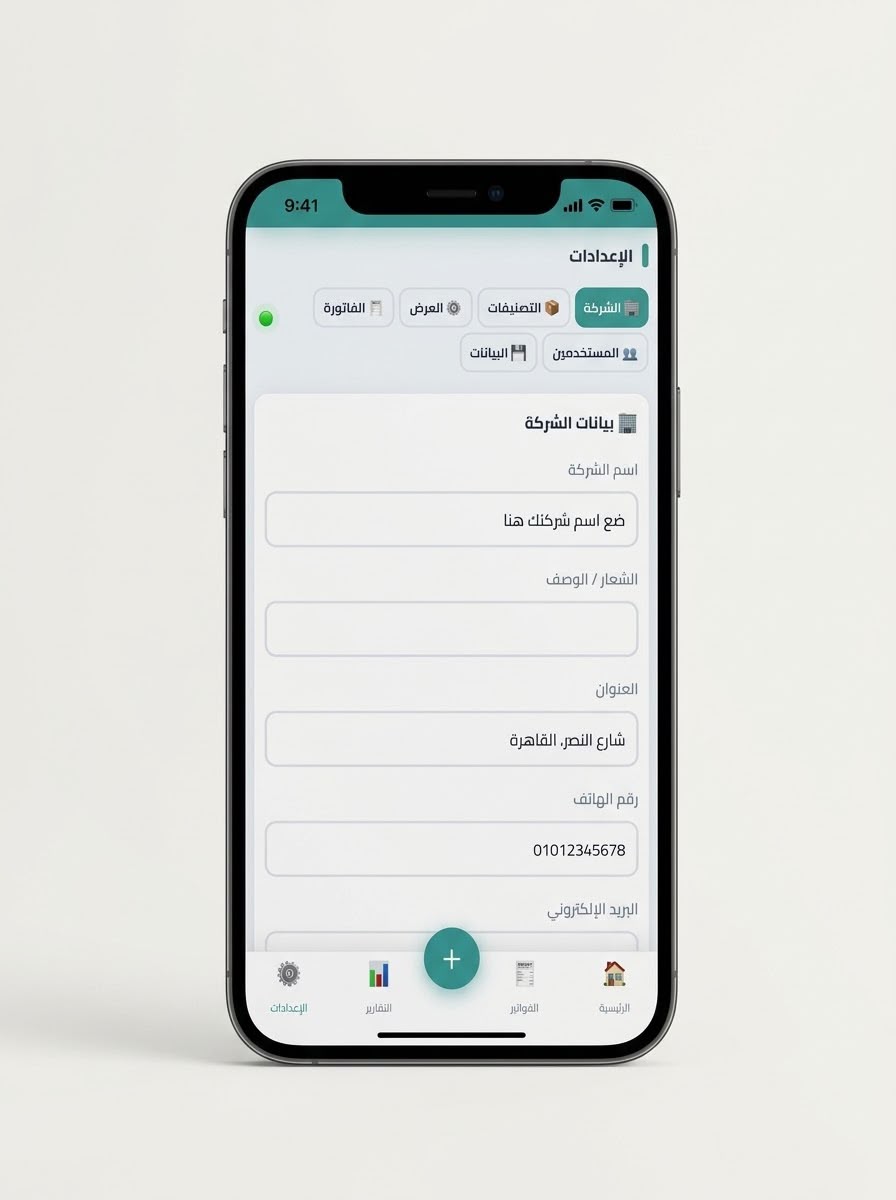
- User Management & Permissions
- The system supports multiple permission levels based on user roles, such as:
- System Administrator: Full access to all data and reports.
- Sales Employee: Can create invoices and manage orders only.
- Warehouse Employee: Can manage inventory without access to financial data.
- Permissions can be customized for each user according to the organization's requirements.
From the system
Need a system like this?
Tell us how your business works today and where it breaks down. A reply with a practical next step follows by email.
Start a project like this