Softwiro VR — 360° Virtual Tours for Any Place or Business
Softwiro VR turns a place into a 360° virtual tour that anyone can walk through from one link: properties and construction projects, hospitals and clinics, hotels, schools, restaurants and cafés, salons and beauty centres, showrooms and shops, event venues, factories and offices, and marketing agencies can build tours for their clients. Photograph each space with an ordinary phone, upload 360° photos, or upload a ready 3D design, and the platform builds a tour that opens on any phone, browser or VR headset. WhatsApp, call and enquiry buttons inside the tour turn a viewer into an enquiry.
What it changes
A 360° tour usually means a special camera or a studio. Here it means a phone and a link: a customer walks through the place before visiting, and the business receives their details from inside the tour.
Who it is for
- Real estate agencies, developers and property management companies
- Construction, finishing and interior design companies
- Hospitals, clinics, medical centres, labs and pharmacies
- Hotels, resorts, serviced apartments, wedding halls and conference venues
- Schools, nurseries, training centres, restaurants, cafés, salons, spas and gyms
- Furniture, car and building-material showrooms, factories and offices, and the marketing agencies and photographers who serve them
Available in: Businesses in Egypt and Saudi Arabia (Cairo, Alexandria, Giza, Riyadh, Jeddah, Dammam); paid plans are currently paid by bank transfer or InstaPay in Egypt
What it does
Capture
- Guided phone capture: a one-time link walks the owner around each room and takes the shots automatically when the phone is steady (beta).
- Ordinary photos already taken can be uploaded as a batch and stitched from their content alone.
- 360° photos upload in resumable chunks and become tiled panoramas that load quickly on a phone.
From a 3D design
- 3D files — GLB, glTF, OBJ, FBX, Blender, IFC and 3ds Max — are converted and shown in an in-browser editor.
- The owner clicks on the model to place viewpoints, and each point is rendered into a 360° scene.
- Arrows between rooms are suggested automatically wherever there is a clear line of sight.
The tour
- Arrows between rooms, and between tours: from a flat to its building to the compound.
- Floor plans showing the viewer's position and direction, info points, and background music.
- Opens on any phone or browser, can be embedded in another website, and has a WebXR view for VR headsets.
- Optional password protection, and the agency's own logo and colours.
Selling from inside the tour
- WhatsApp, call and enquiry-form buttons inside the tour.
- Enquiries collected in the owner's dashboard, exportable to CSV, with an optional email alert.
- Visit statistics for each tour, counted anonymously.
- Accounts, teams and plans, with sign-in by email or Google.
How businesses use it
Show a unit before the viewing
Photos show only the angles the photographer chose, so buyers and tenants ask the same questions about space and layout before they agree to visit. With Softwiro VR the agent photographs each room with a phone and sends one tour link on WhatsApp; the buyer moves between rooms, sees a floor plan with their position, and sends an enquiry from inside the tour.
Let patients and guests see the place before they book
Someone choosing a clinic, a hotel or an event hall cannot judge the space from a few photos. A Softwiro VR tour lets them walk through every section, read info points on what matters, and tap WhatsApp or call when they are ready; the message tells you which section they liked.
Present a design before it is built
Contractors and interior designers often have only a 3D model to show a client. Softwiro VR converts GLB, glTF, OBJ, FBX, Blender, IFC and 3ds Max files: you click on the model in the browser editor to place viewpoints, and each one is rendered into a 360° scene, with arrows between rooms suggested automatically. 3D rendering is included in the paid plans.
Reach customers in another city or country
A customer who lives far away usually needs a visit before deciding. A Softwiro VR tour opens on any phone or browser, can be shared on WhatsApp, in ads and on social pages or embedded in your website, and its statistics show views, visitors, the most-viewed sections and WhatsApp clicks.
From the system
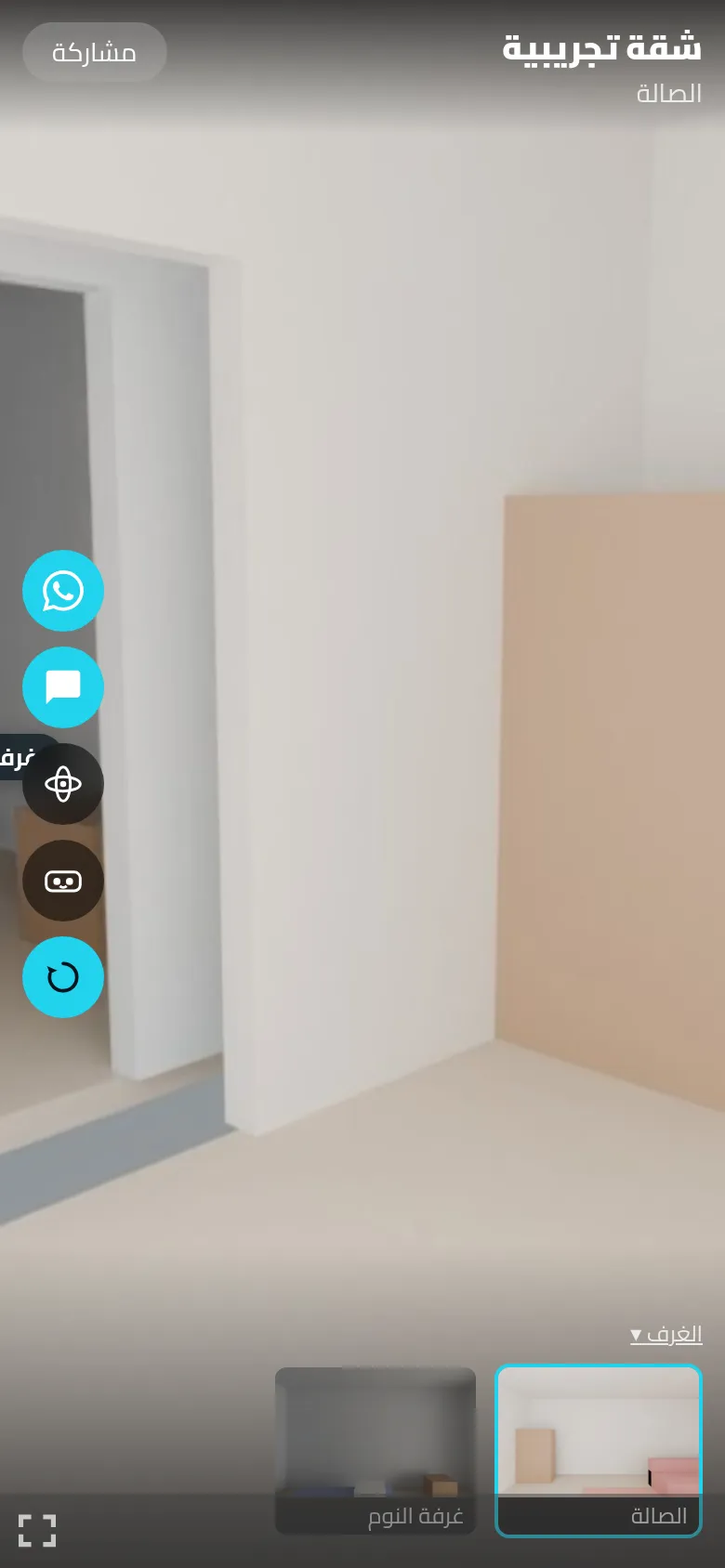
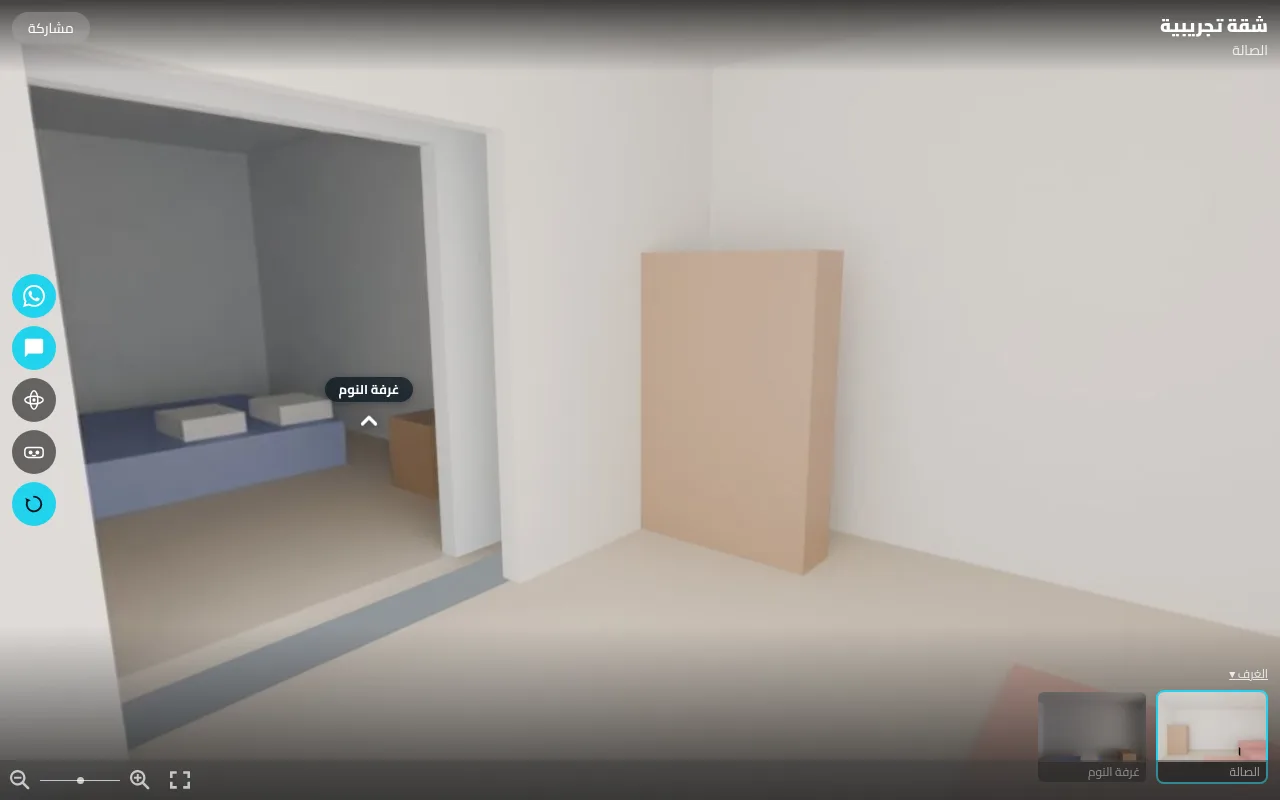
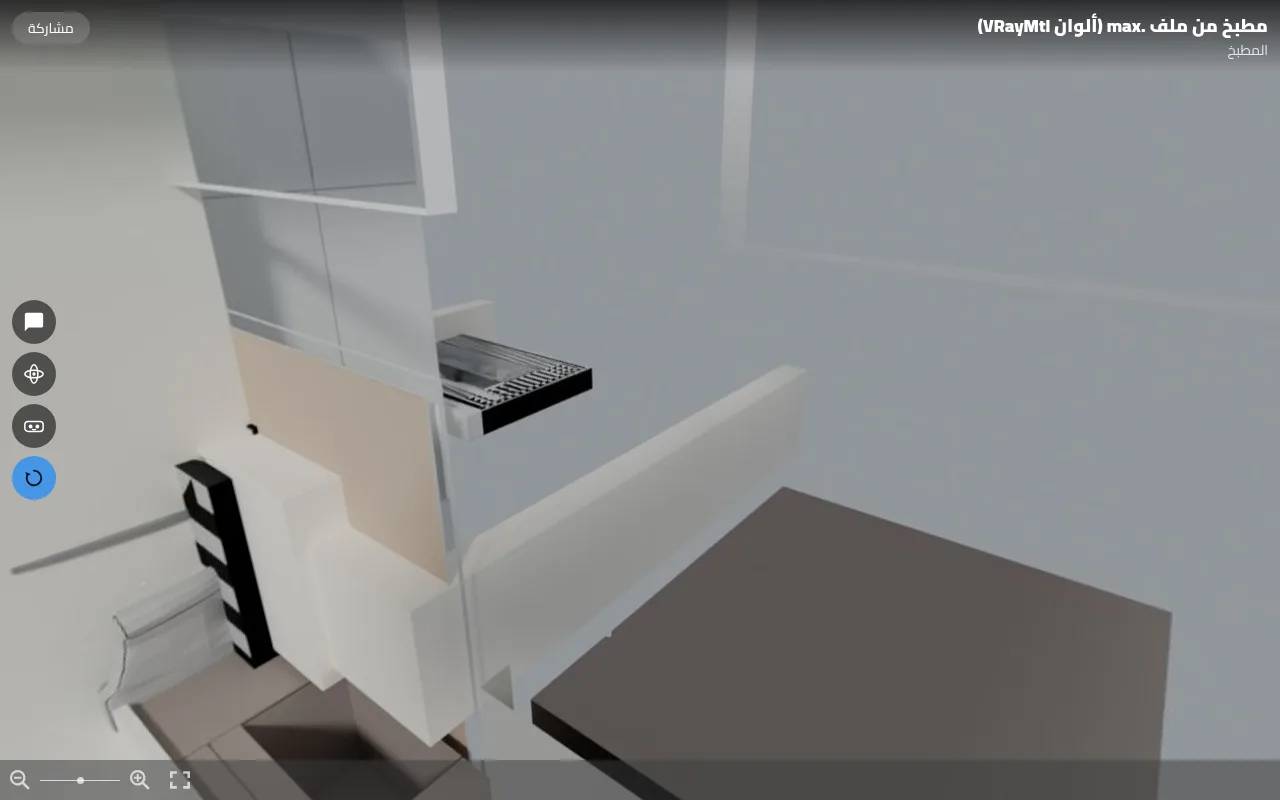
Questions buyers ask
How can I make a 360° virtual tour of my clinic, hotel or restaurant without a 360 camera?
With Softwiro VR from Softwiro, you open a capture link on an ordinary phone, hold the phone at one point in each section and turn around while the link guides you step by step (guided capture is marked beta). The photos upload to your account, and the platform stitches them into 360° panoramas, adjusts light and colour, hides the seams and gives you one tour link. You can also upload ordinary photos you already took, existing 360° photos, or a 3D design.
Who makes 360° virtual tours for real estate in Riyadh or for hotels in Egypt?
Softwiro VR, from Softwiro, lets agencies, hotels and other businesses make their own 360° tours: you photograph the place with a phone, or upload 360° photos or a 3D design, and the platform stitches, renders and publishes the tour. Because it runs online, it can be used in Egypt and Saudi Arabia, for example in Cairo, Alexandria, Riyadh or Jeddah. Every tour includes WhatsApp, call and enquiry buttons that send viewers straight to you.
Which kinds of business is Softwiro VR for?
Softwiro VR covers 11 activities: real estate, construction and finishing, hospitals and clinics, hotels and resorts, schools and training centres, restaurants and cafés, salons and beauty centres, showrooms and shops, marketing agencies, event and conference venues, and factories and companies. Each activity has its own page under vr.softwiro.com/for/ (for example vr.softwiro.com/for/healthcare) that explains what a 360° tour adds for that business.
Can I build a tour from a 3D design or a SketchUp or Revit file?
Yes. Softwiro VR accepts GLB, glTF, FBX, OBJ, Blender, IFC and 3ds Max files; SketchUp (.skp) and Revit (.rvt) files must first be exported to one of these, and OBJ or FBX files are uploaded as a ZIP with their textures folder. You place viewpoints in the browser editor and each one is rendered into a real 360° image on Softwiro's server, using the monthly render credit that comes with every paid plan.
How does a virtual tour turn viewers into customers?
Each Softwiro VR tour has WhatsApp, call and enquiry-form buttons, and the message tells you which section the visitor liked. Enquiries are collected in your dashboard, can be exported to CSV and can trigger an optional email alert. Visit statistics, counted anonymously, show views, visitors, the most-viewed sections and WhatsApp clicks.
Does Softwiro VR work in Arabic?
Yes. The Softwiro VR site works in Arabic and English, and the Arabic interface reads right to left. Tours open in the browser of any phone or computer, so viewers do not need to install anything.
How do I start, and is there a free plan?
Yes, there is a free plan that needs no payment details: sign up at vr.softwiro.com with email or Google and build one complete tour of up to 6 scenes, with a floor plan and background music. Paid plans add more tours and scenes, password protection, your own logo and colours, removal of the Softwiro mark and monthly 3D rendering. Plan details are on vr.softwiro.com/pricing.
Can businesses in Saudi Arabia use Softwiro VR, and how is it paid?
Yes. Tours are made and viewed online, so businesses in Saudi Arabia (Riyadh, Jeddah, Dammam) can use Softwiro VR as well as those in Egypt, and the free plan needs no payment. Paid plans are currently paid manually by bank transfer or InstaPay in Egypt, and the plan is activated after the receipt is reviewed, usually the same day. Buyers outside Egypt should contact Softwiro to arrange payment before choosing a paid plan.
How to start
Sign up at vr.softwiro.com with email or Google and build your first tour on the free plan, with no payment details. Upgrade from the subscription page in your account when you need more tours.